
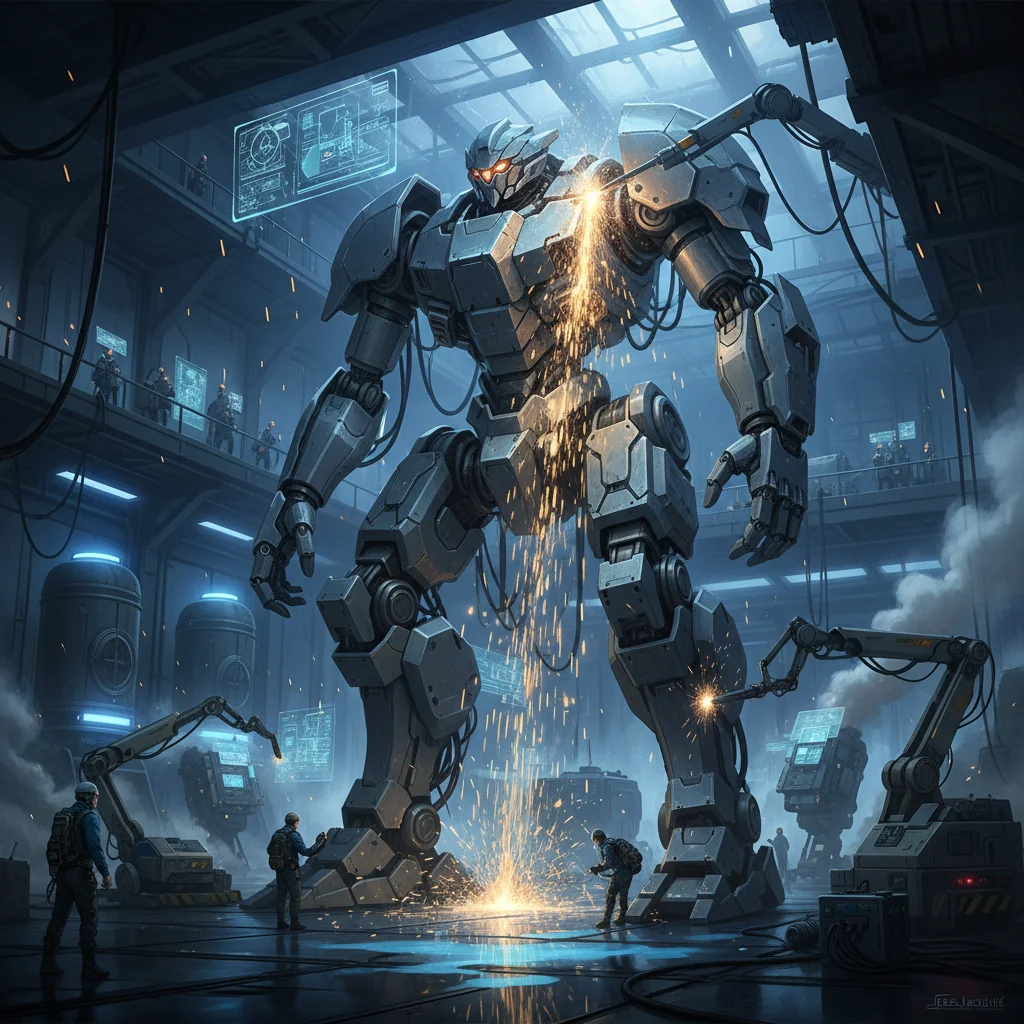
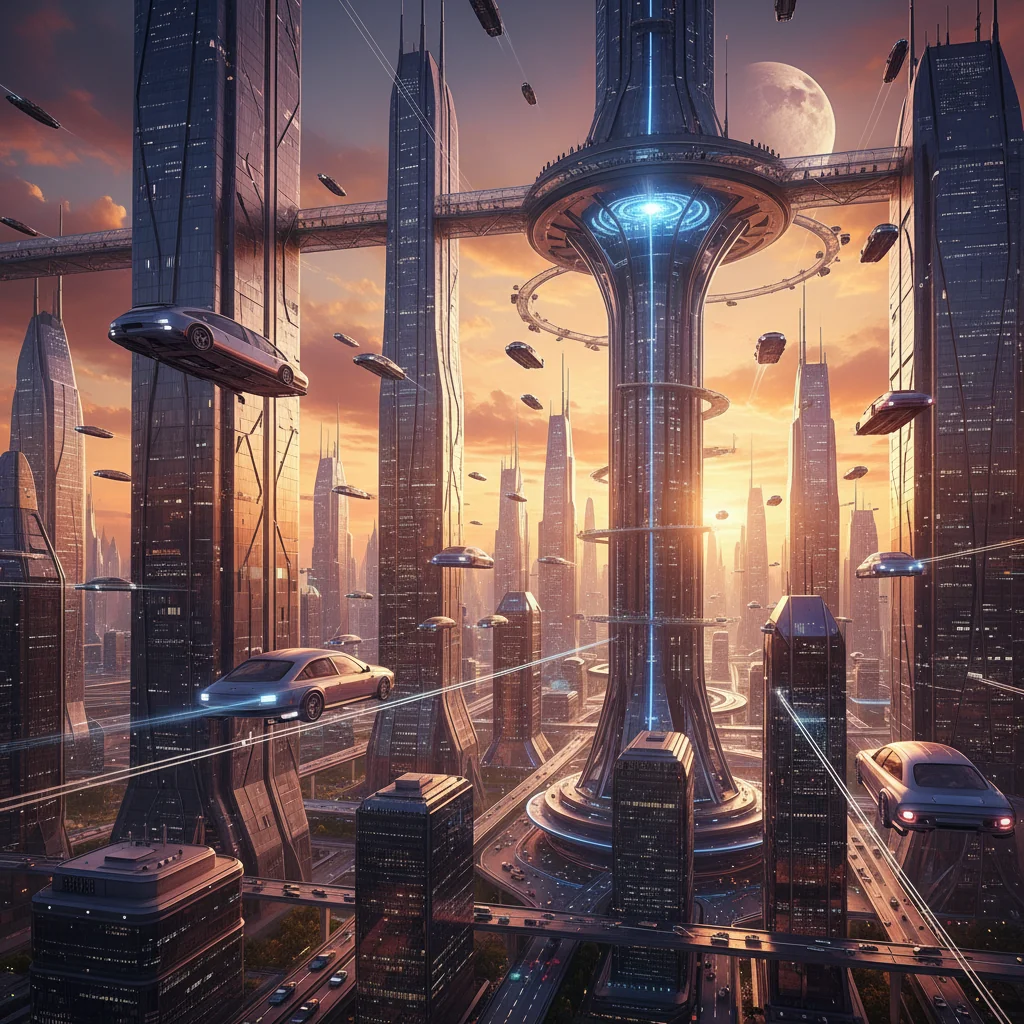
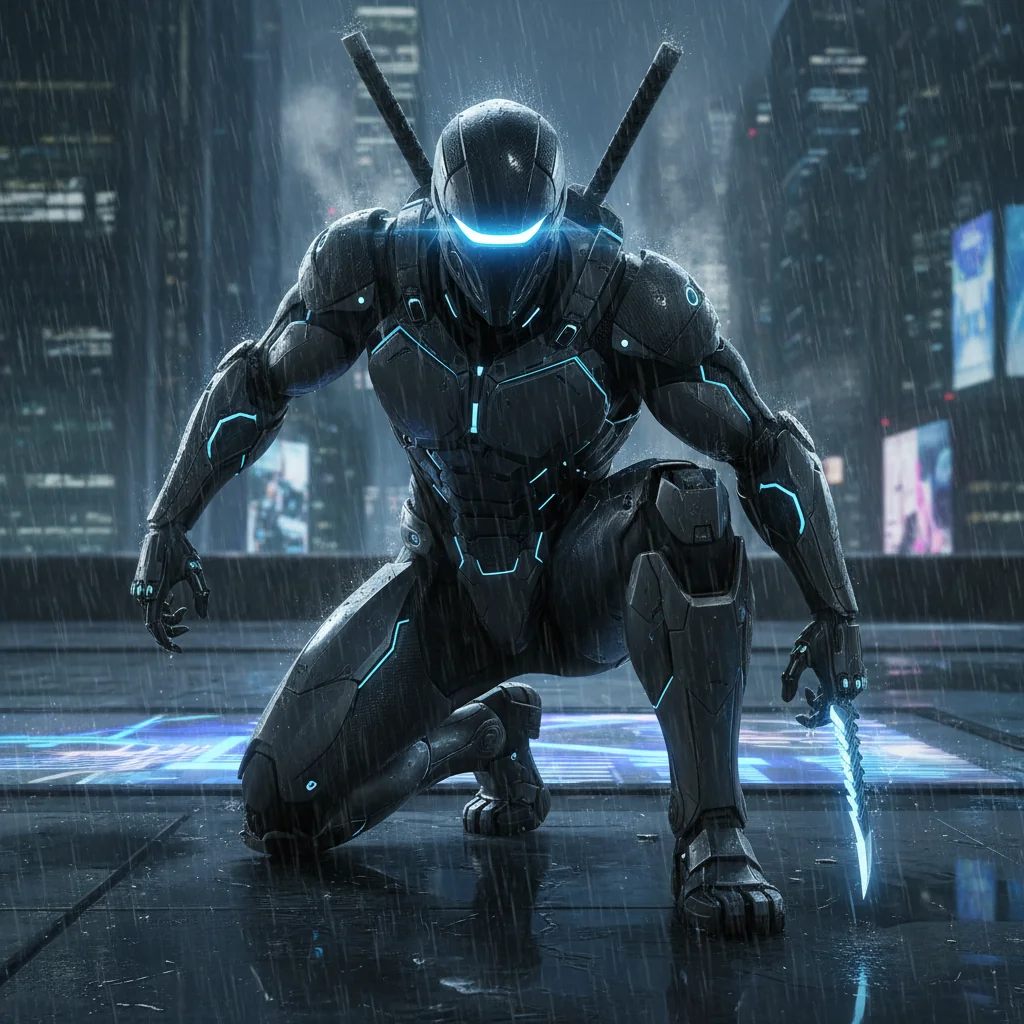
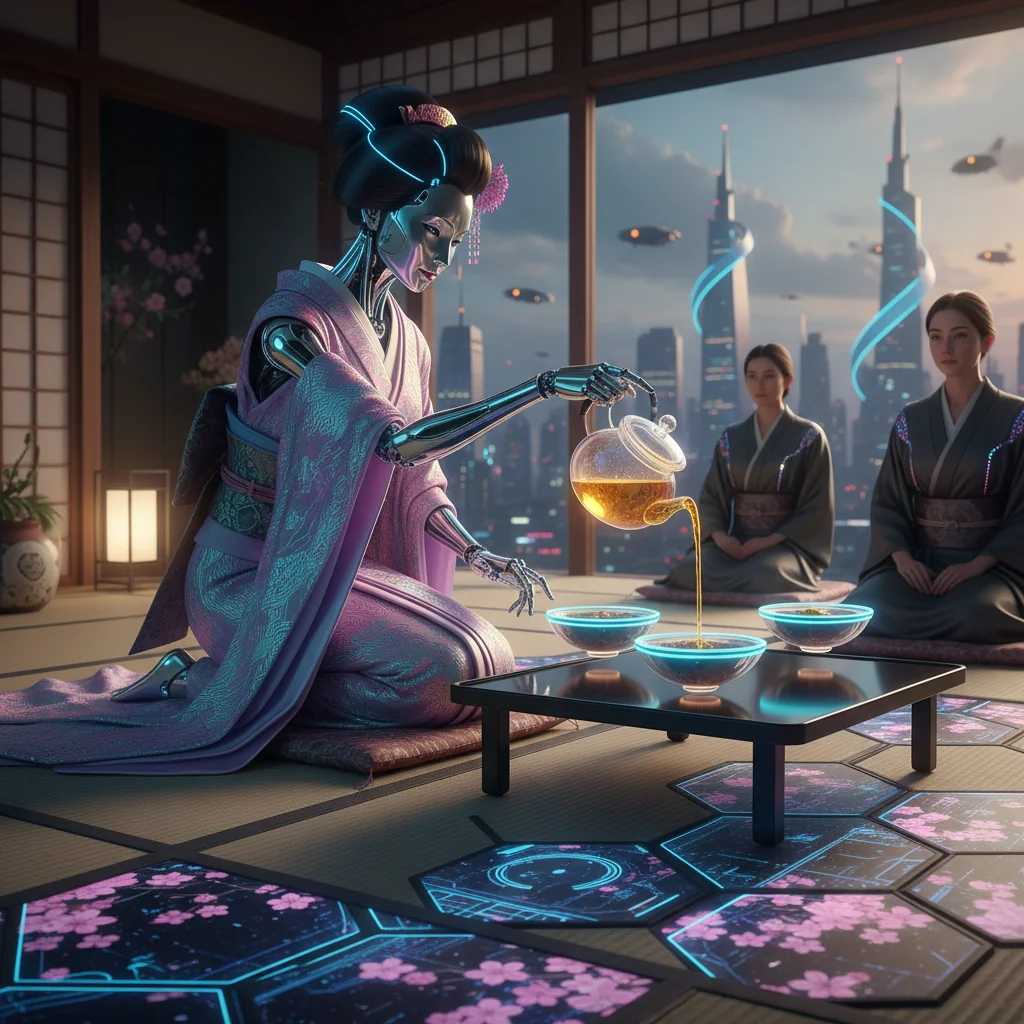
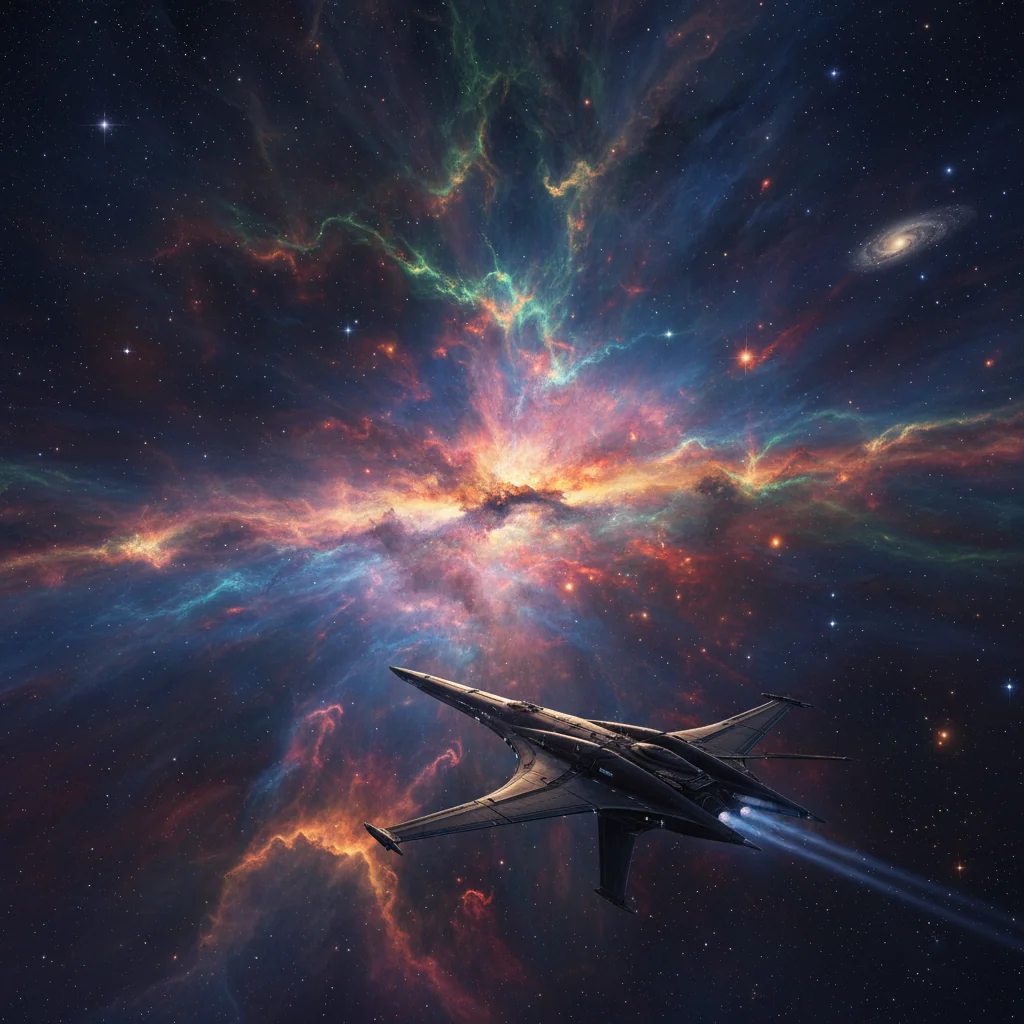
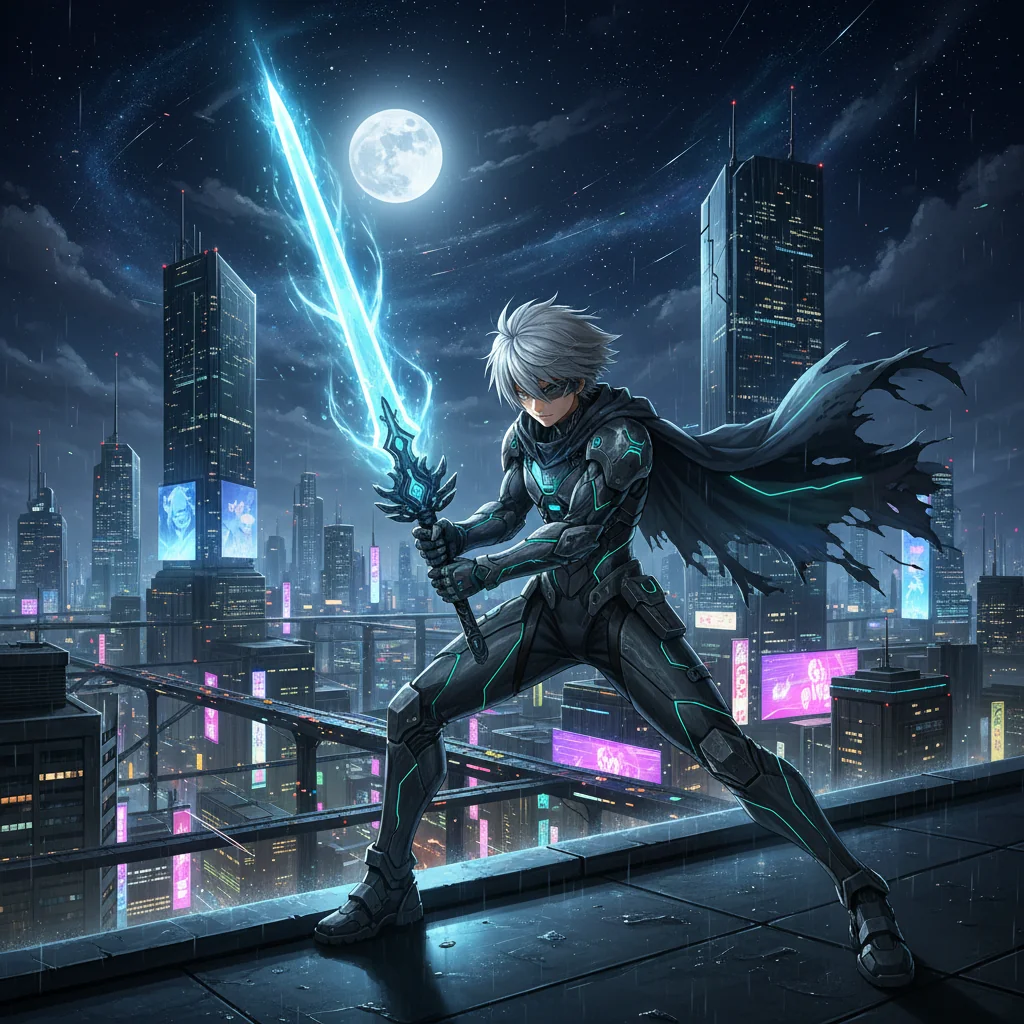
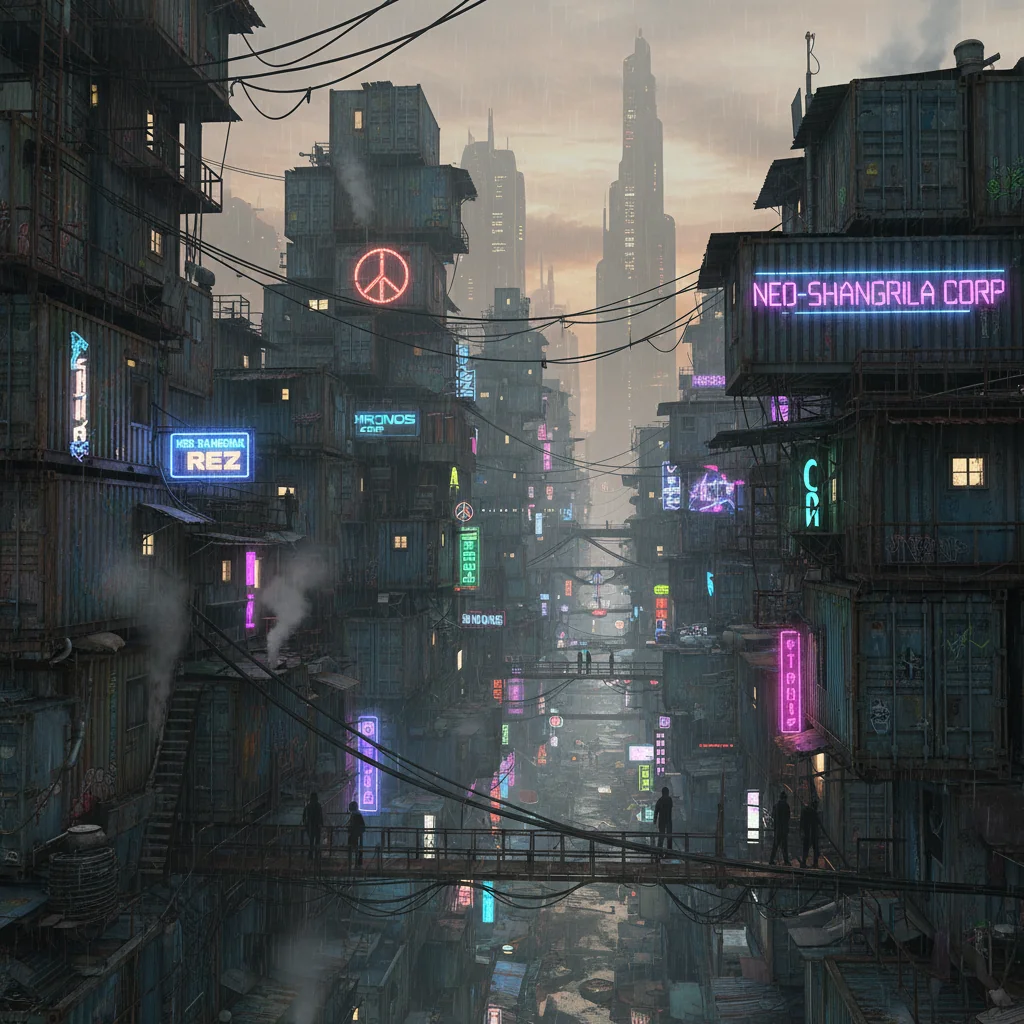
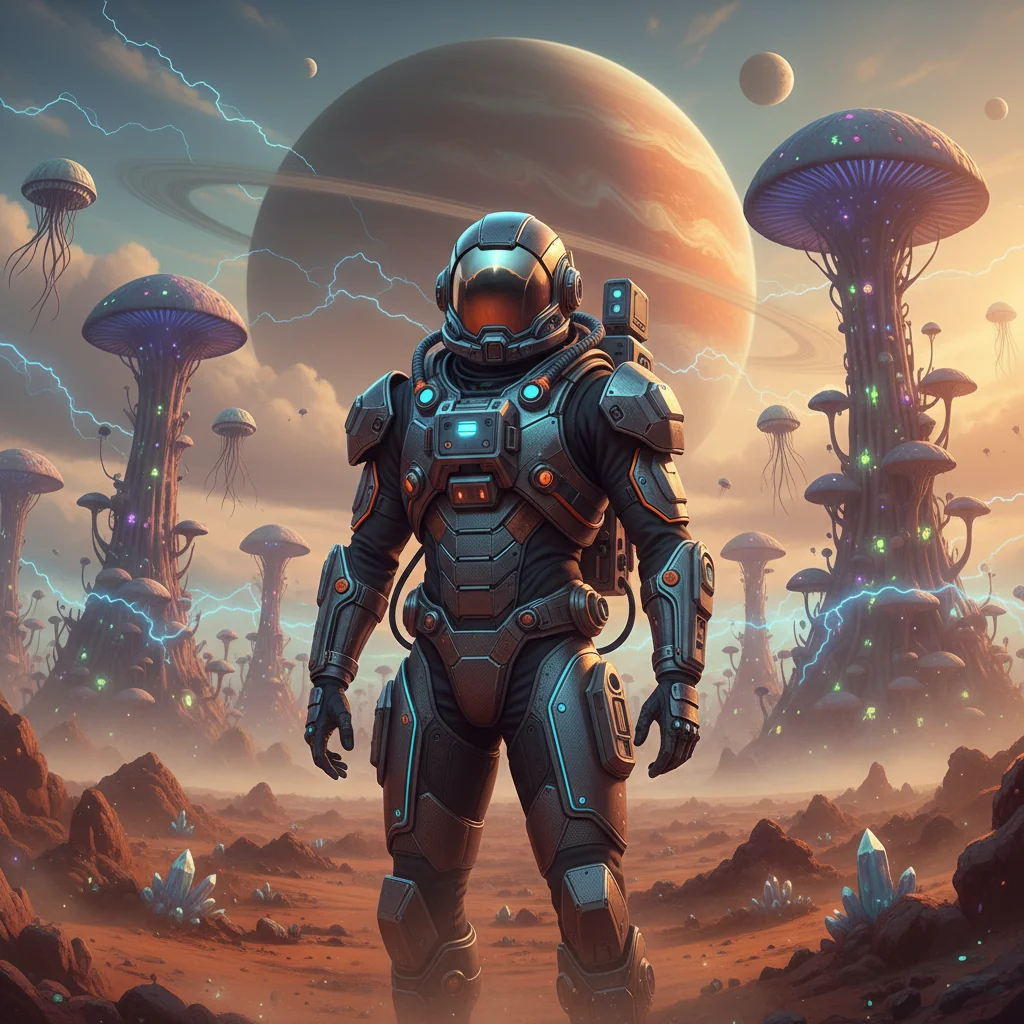

Nano Banana 2
Generate AI Images from Prompts
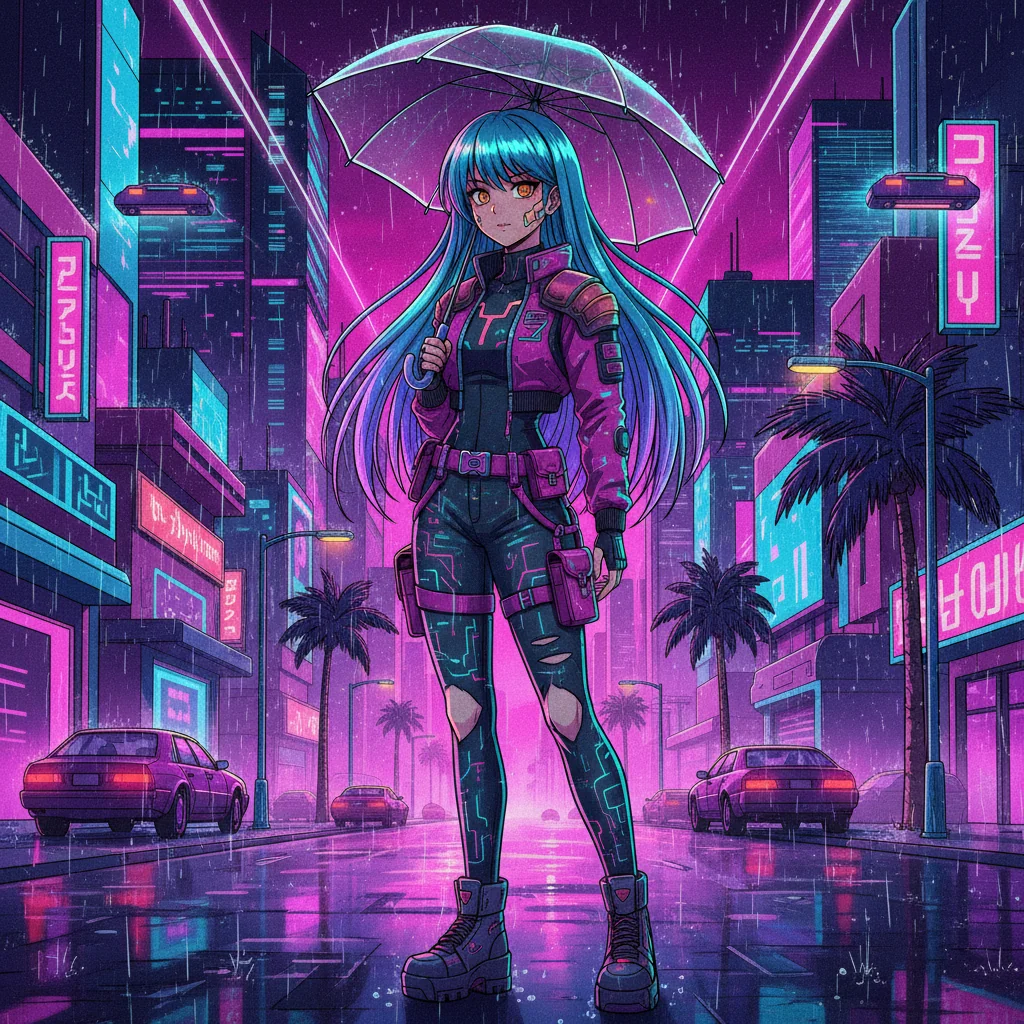
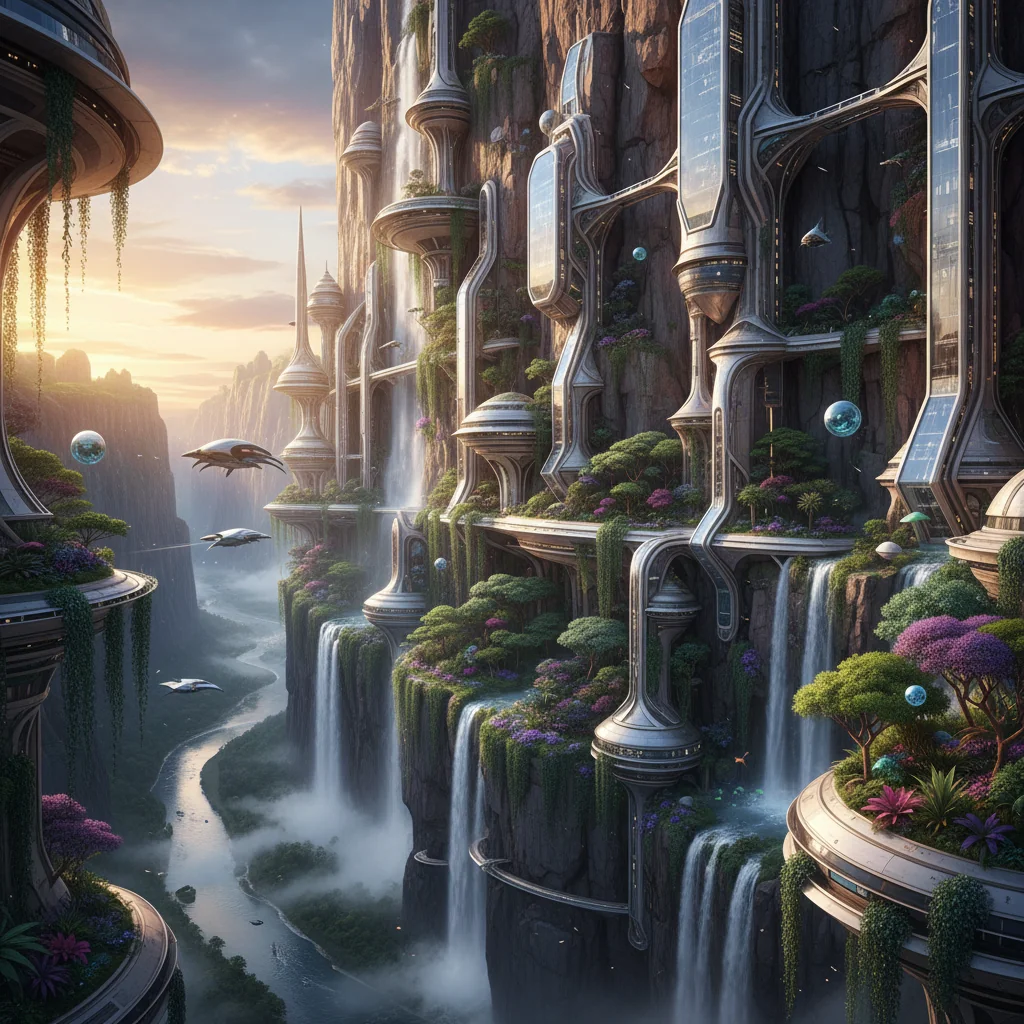
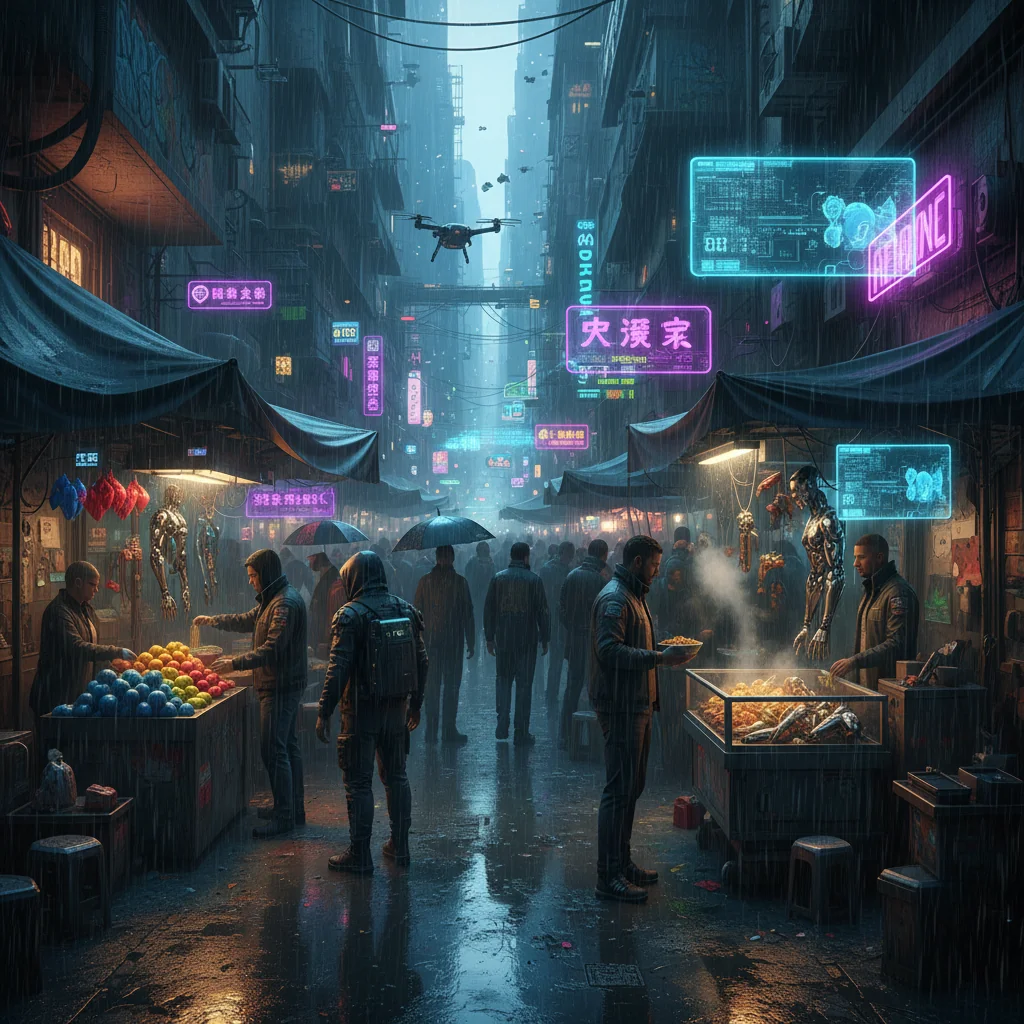
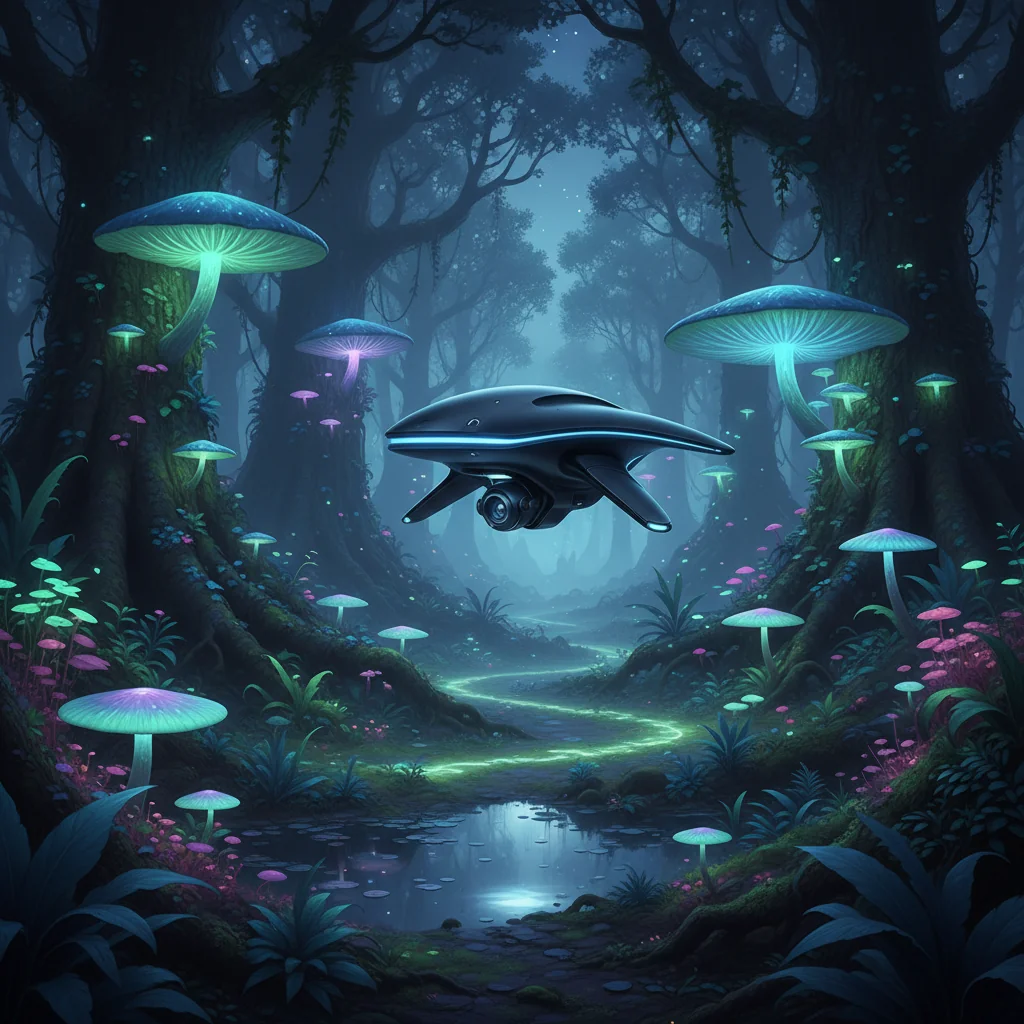
Turn a short description into an image in seconds. Pick a resolution, generate a result, then download full quality via the app when you're ready to export.
Describe the subject, style, and details you want
Nano Banana 2
Add up to 4 images to guide editing and style.
Why Use Nano Banana 2
A simple workflow for fast iteration: write a prompt, pick an output size, generate a preview, then move to the app for full-quality downloads when you're ready to export.
Fast Preview Loop
Generate a quick preview and iterate on your prompt until the result matches your idea.
Flexible Output Sizes
Pick resolution up front so the output size fits your use case (social, web, print).
App Export Flow
Use the built-in download flow to get the full-quality image via the app when it’s time to save.
Capabilities
What This Page Can Do
A lightweight generator experience for exploring prompts and exporting through the app when you need the final file.
Prompt to Preview
Generate an image preview directly from a text prompt, then iterate quickly until it looks right.
Size Controls
Set resolution before you generate, so the output matches your target placement.
Simple Model Picker
The Nano Banana 2 dropdown is hidden because it is the only model, keeping the flow lean.
Download Flow
Generated results are available immediately, with a guided flow to obtain the full-quality file.
Reference Board
Optionally add local reference images to keep your idea in view while you craft the prompt.
Clean UI
A focused layout that keeps generation controls, preview, and download actions in one place.
Workflow
From Prompt to Download
A short loop: prompt, settings, preview, then export through the app when you need full quality.
1. Write a Prompt
Type what you want to see. Include the subject, setting, style, and any “must-keep” details to guide the result.
2. Pick Output Settings
Choose model and resolution. These settings control the look and size of your generated image.
3. Generate a Preview
Click generate to get a fast preview. Iterate your prompt until it matches what you want.
4. Download Full Quality
Open the download flow to get the full-quality image from the app when you’re ready to export.