
Why Your AI Forgets Everything Between Sessions
Why AI tools lose all context when you close a tab — and what solo operators actually lose when that happens every single day.
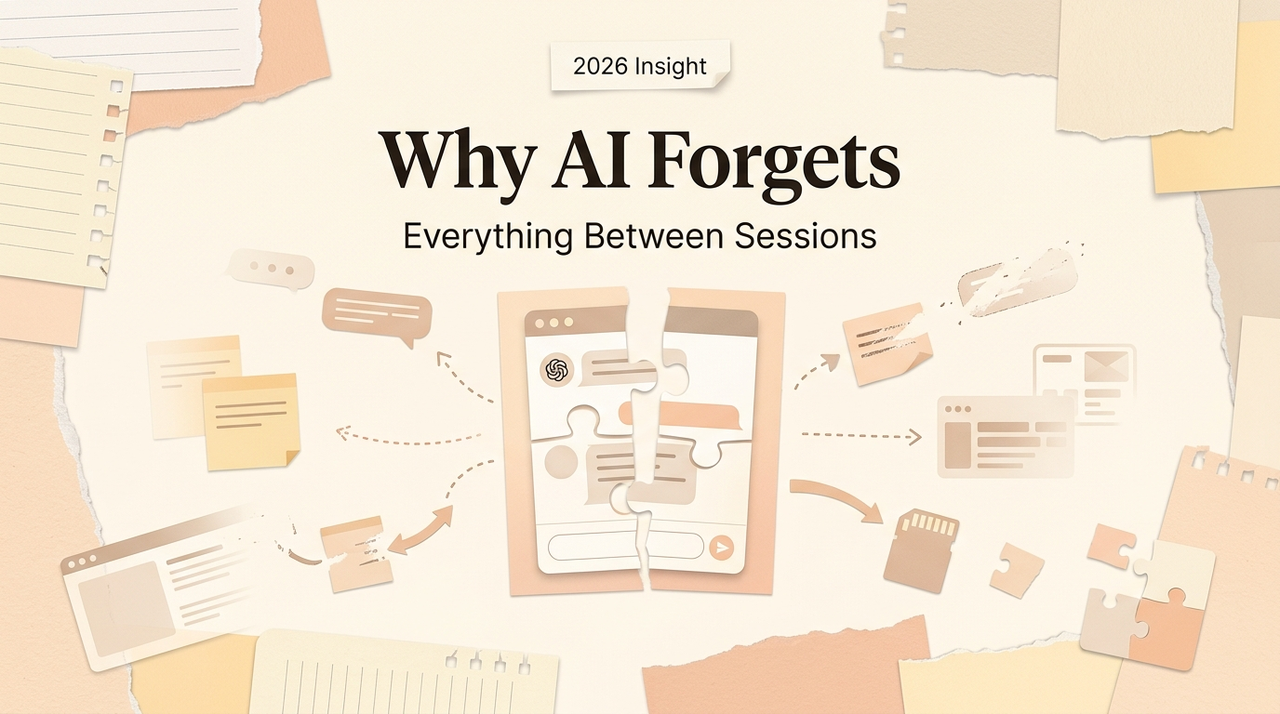
Hi, my friends. How are you? I'm Nova. Last week I was writing a proposal for a new content project. I opened ChatGPT, started explaining what the project was about, who the client was, what tone they preferred, and what I'd already drafted in the previous session. Ten minutes in, I stopped typing and just stared at the screen.
I'd done this exact same setup the day before. And the day before that.
Every single session starts from zero. The AI doesn't know what I worked on yesterday, doesn't remember my pricing structure, doesn't recall that this client hates bullet points. I'm not using AI to save time anymore — I'm spending time teaching it things it already learned and forgot.
If you're a solo founder running everything yourself, this probably sounds familiar. And I think it's worth talking about why it happens, what it actually costs, and what to look for instead.
What "Stateless AI" Actually Means for Your Work
Here's a technical detail that changes everything once you understand it: most AI tools are stateless by design. That means every time you start a new conversation, the model has no memory of anything that came before. It's not a bug — it's how architecture works.
Large language models process your input fresh each time. There's no internal state that carries forward between sessions. The original transformer architecture that powers these models was built for parallel processing and scalability, and that requires each call to be completely independent. Your conversation history? Discarded the moment the session ends.
Some platforms have started adding memory features on top of this. OpenAI rolled out memory for ChatGPT that can reference saved details and past conversations. It's a real step forward. But there's a gap between "remembering that you prefer bullet points" and "understanding the full context of the project you've been building for three weeks." The first is a preference. The second is working knowledge.
The Reset Tax — How Much Time You Spend Re-Explaining
I tracked this for a week. Every time I opened an AI tool, I logged how many minutes I spent on what I call "context loading" — the preamble before the actual work begins.
The number: roughly 8 to 12 minutes per session. That doesn't sound terrible until you realize I open AI tools six to eight times a day. That's over an hour daily, just getting the AI back to where it was yesterday.
The frustrating part is that this time doesn't produce anything. No output, no progress — just re-establishing a baseline the AI should already have. For a solo founder, that hour is the difference between shipping something and pushing it to tomorrow.

Why This Matters More When You're Doing Five Jobs at Once
The Notion Tab Problem, the ChatGPT Session Problem
If you're running a one-person operation, your work looks something like this on a typical day: content research in the morning, client communication before lunch, product strategy after, bookkeeping in the evening. Each of those tasks lives in a different mental context with different priorities, different terminology, different standards.
Here's the issue: a stateless AI treats each of those as an unrelated conversation. It doesn't know that the client you're emailing about is the same one whose project you researched this morning. It doesn't connect your pricing strategy to the proposal you drafted last week.
I've been using Notion's AI features for organizing project context, and within the Notion workspace, the AI can pull from connected docs and databases. That helps — inside Notion. But the moment I need to work with files on my desktop, or research something in a browser, or reference an email thread, I'm back to manually stitching context together.
The pattern I keep seeing: each tool holds a tiny piece of your working context, but none of them hold the full picture of how your work connects. For someone on a team, colleagues fill that gap. They remember the backstory, they carry institutional knowledge, they catch things that fall through cracks.
When you're the whole team, there's nobody filling that role. And stateless AI certainly isn't.
What Persistent Context Would Actually Look Like
Memory vs. Context vs. Reusable Execution — What's the Difference
I've been thinking about this a lot, and I think the confusion starts with treating "AI memory" as one thing. It's actually three different problems.
Memory is the simplest: the AI remembers facts about you — your name, your preferences, your formatting habits. ChatGPT's memory feature does this reasonably well now. It stores details you've shared and resurfaces them in future conversations. Useful, but limited.
Context is harder: the AI understands what you're currently working on across your entire environment — your files, your browser tabs, your recent edits, the document you have open right now. This isn't about remembering a fact; it's about maintaining situational awareness of your work as it unfolds. Almost no tool does this well yet.
Reusable execution is the part that matters most for solo founders: the AI learns how you do things — your process for writing proposals, your research workflow, your editing standards — and can replicate that process on new inputs without you explaining it again. This is where it stops being an assistant and starts being a genuine force multiplier.
Huh. When I write it out like that, it becomes pretty clear why most AI setups feel incomplete. They're solving problem one and ignoring problems two and three.
Who Loses the Most from Stateless AI
Why One-Person Companies Feel This Harder Than Teams
I keep coming back to this point because it's underappreciated: the cost of stateless AI scales inversely with team size. The smaller your operation, the more it hurts.
On a five-person team, if the AI forgets everything, someone else on the team remembers. The project manager has the brief. The designer has the brand guidelines. The developer has the architecture docs. Context is distributed across people, and losing AI continuity is annoying but survivable.
When you're the solo founder — doing strategy, content, operations, client management, and finance — you are the only source of context for everything. Every time the AI resets, the only person who can reload that context is you. And reloading context is cognitively expensive. It's not just typing — it's mentally reconstructing where you left off, what matters, what the AI needs to know to be useful.
Research from MIT Sloan found that AI productivity gains are real but vary enormously depending on how well the tool integrates into existing workflows. The implication that keeps nagging at me: the people who benefit most from AI are the ones who need to do the least setup work per session. And right now, solo founders do the most.
I also want to be honest about something. I've heard people say "just keep a running prompt document and paste it in each time." I tried this. I maintained a 2,000-word context file for about three weeks. Updating it became a task in itself, and when I forgot to update one section, the AI gave me advice based on outdated information. I closed that document and didn't open it again.
What to Look For in an AI That Doesn't Forget You
I'm not going to pretend I've found the perfect solution. I haven't. But after experimenting with different setups over the past several months, I've narrowed down what actually matters.
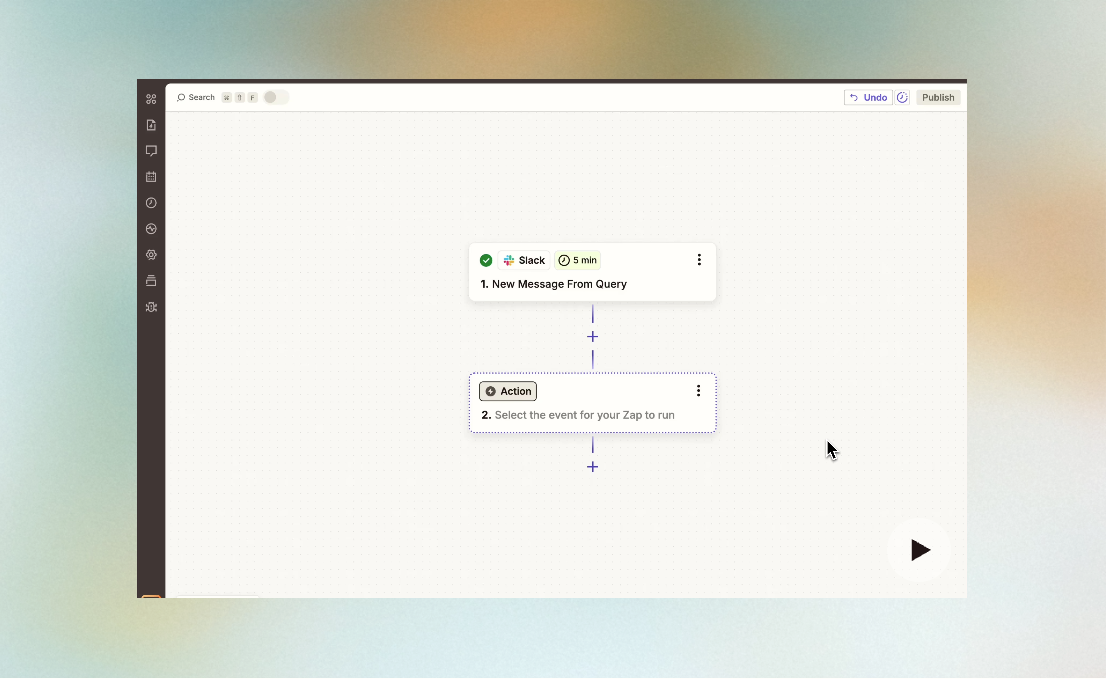
Does it have access to your working environment? Not a chat window — your actual files, your browser, your desktop. Tools like Zapier and Make can connect apps and move data between them, but that's automation, not awareness. What you need is an AI that can see what you're working on without you uploading it each time.
Does it learn from your patterns, not just your commands? There's a meaningful difference between an AI that remembers you like dark mode and an AI that learns your editing tendencies across dozens of documents. The first is a setting. The second is tacit knowledge — the kind of operational instinct that would take a human colleague months to absorb.
A few newer tools are exploring this space. The category I'm watching most closely is what people are calling "AI workspaces" — desktop-native applications that combine file management, browser access, and persistent AI into one environment. The idea is that instead of the AI living inside a chat tab that forgets you, it lives inside your working environment and accumulates understanding of how you operate.
Does it turn repeated work into reusable processes? This is the piece that gets me most excited. If I write a client proposal once and the AI can package that into a reusable workflow — same structure, same tone, same research process, but with new inputs — that's a fundamentally different value proposition from "answer my question and forget."
I want to push it a bit before saying anything definitive about specific tools. But the direction feels clear: the next generation of AI for solo founders won't just be smarter models. It'll be models that maintain continuity with your work, and that changes everything about how useful they actually are.
FAQ
Doesn't ChatGPT already have memory now?
It does, and it's gotten notably better since the April 2025 update that added chat history referencing. But there's a difference between remembering facts about you and maintaining full working context across projects, files, and workflows. Memory is a subset of the problem. Context continuity and reusable execution are still largely unsolved for most users.
Is this problem specific to ChatGPT?
No. The stateless architecture is fundamental to how large language models work. Claude, Gemini, and other models face the same underlying constraint. Different platforms are taking different approaches to building memory layers on top, but none of them have fully solved persistent, cross-environment context yet.
Can I solve this by maintaining a detailed prompt file?
You can try. I did. It works for about two weeks before the maintenance overhead starts eating into the time you're saving. If your work is highly repetitive with minimal variation, it might be sustainable. If you're doing diverse, evolving work across multiple projects — which describes most solo founders — the prompt file approach breaks down quickly.
How much time does stateless AI actually waste?
Based on my own tracking, roughly 8–12 minutes per session on context loading. With 6–8 AI sessions daily, that's 50–90 minutes of daily overhead that produces zero output. Over a month, it's the equivalent of losing two to three full working days just re-explaining yourself.
What should I prioritize when evaluating AI tools?
Three things, in order: context continuity (can it see your working environment without manual upload), execution memory (does it learn how you work, not just what you say), and desktop integration (does it live where your files live). If a tool doesn't address the first one, the other two don't matter.
That's where my thinking is on this right now. The shift from stateless chatbots to persistent AI environments is happening, but slowly. If you're running things on your own and feeling like your AI tools are making you repeat yourself constantly — it's not you. It's architecture. And it's the single biggest friction point I think this category needs to be solved.
I'm still experimenting. I'll share more once I have a clearer picture.
Alright, that's today's little discovery. Well — more of a frustration I finally named. Sometimes that's the first step.
Previous Posts:
Get automation tips for your workflow
Weekly insights for non-technical professionals. No spam ever.