
How to Stop Context Switching with a Workspace Agent
Context switching drains solo operators more than any single task. Here's how to stop it using workspace agents — and why traditional tools make it worse.
Hi, I'm Nova. I noticed something embarrassing about my own workday last month. I'd opened a doc to write something specific. Within forty minutes, I had eleven tabs open, three of which I couldn't remember why I'd opened, and my original doc had two sentences in it. The doc wasn't hard. The work wasn't hard. Staying with it was hard.
That's the thing nobody tells you when you start running a one-person setup. The bottleneck isn't the tools, the AI, or even the ideas. It's the cost of moving between them. So I want to talk about how to stop context switching — not in the abstract, but in the way it actually shows up when you're doing five jobs at once and one of them is "remembering what you were doing thirty seconds ago."
The hidden cost of context switching for solo work
Most of the research on this is framed around teams in big companies. But the pattern is even more brutal when you're alone.
A widely-cited study from Harvard Business Review tracked 137 workers across three Fortune 500 companies and found they toggled between apps about 1,200 times a day — roughly four hours a week just reorienting. That's around 9% of the working year. Gone. Not on hard problems. On the friction of switching.
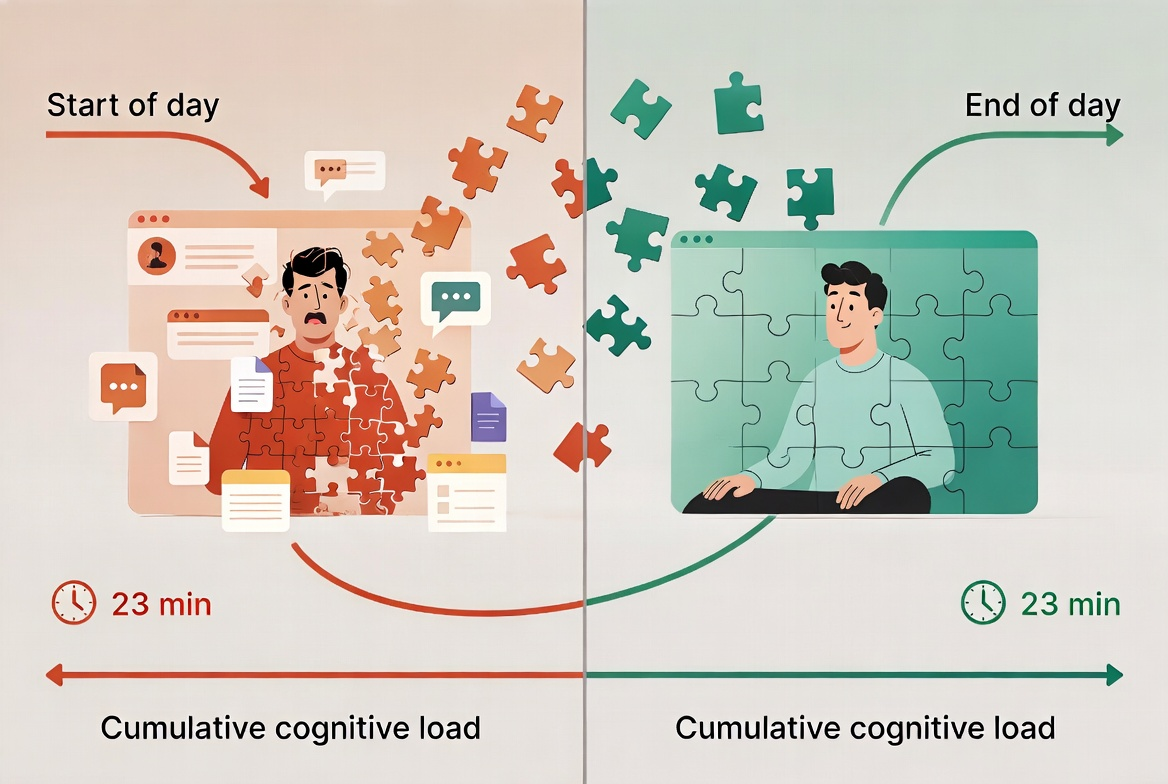
And then there's the recovery cost per switch. Gloria Mark's research at UC Irvine is the source of the often-quoted figure that it takes about 23 minutes and 15 seconds to fully refocus after an interruption. I've seen people quote this number for years without checking it — the actual paper is worth reading because the more interesting finding is that people compensate by working faster, but the cost shows up as stress, frustration, and time pressure. So even when the work gets done, something in you pays.
Why it's worse when you do five jobs yourself
In a team, when you switch from "writing" to "answering a question," someone else might catch the thread you dropped. When you're solo, you are the entire thread. Nothing waits for you. Nothing reminds you. The mental model you'd built — what this client needs, what this draft is about, what step three was supposed to do — has to live in your head, and your head is also handling the next four things.
This is the part the productivity literature underweights. Most research is on knowledge workers in companies with handoffs and Slack channels. Solo work has no handoffs. Every switch is a full re-load.
Why more tools usually make it worse, not better
I went through a phase last year where every time I hit a friction point, I added a tool. Note-taker for meetings. Separate writing app. A research thing. A separate AI for outlining. A different AI for drafting. By the end of two months I had a beautiful stack and I was getting less done.
The American Psychological Association's summary of switching cost research makes the point pretty clearly: the issue isn't the individual switch — it's the cumulative cognitive overhead of goal-shifting plus rule-activation every time the brain reorients. Adding a tool means adding both of those, every time you touch it.
I dismissed this for a while. I was being stubborn.
Where traditional AI tools fall short
Once I noticed this pattern in my own work, I started paying attention to where the AI tools I already used were quietly making it worse rather than better.
Chat tools: you still carry the context between tabs
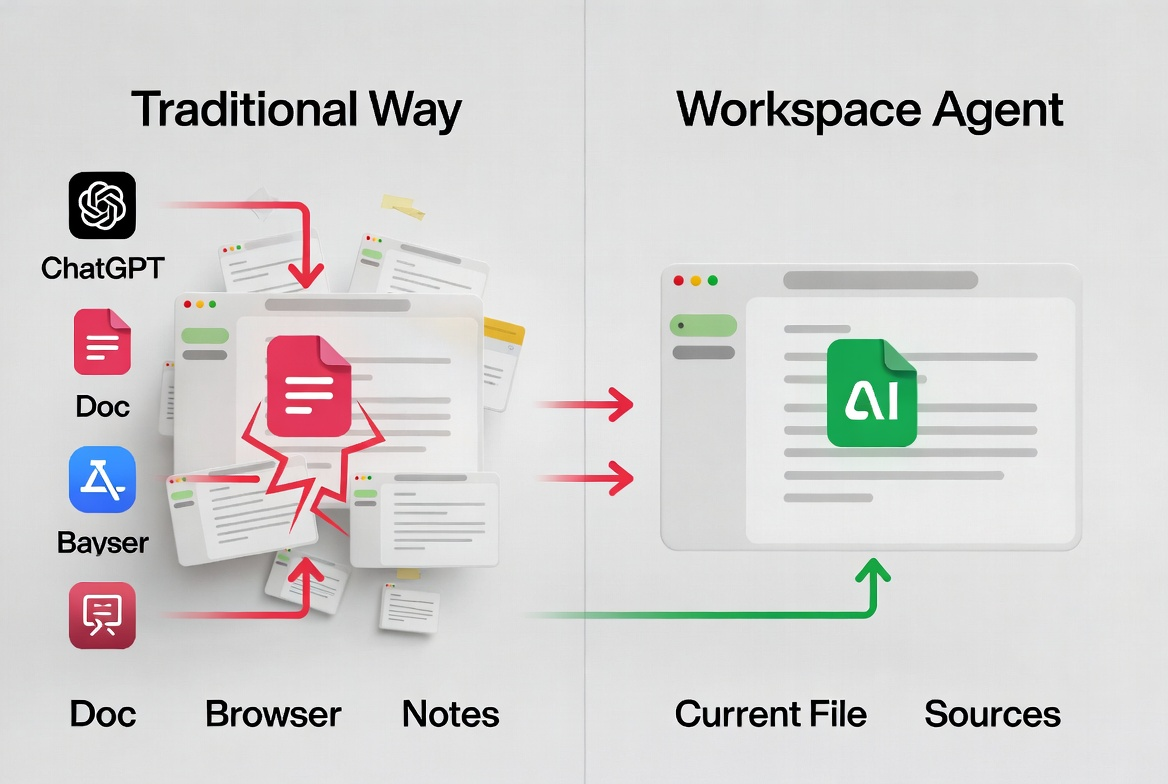
The way most people use chat AI right now — me included for a long time — is: open a tab, paste in some context, get an answer, copy the answer, go back to the doc, paste it in, realize you need to ask a follow-up, switch back, paste more context, repeat. The AI is fast. Your brain is the bottleneck, because you are the integration layer between the chat window and the work.
It saves time on the generation step. It doesn't save anything on the carry-the-context step. Often it makes that step heavier, because now you have one more place where context lives.
Workflow builders: you still set up and supervise each run
Then there's the other end: full automation tools where you wire up steps and trigger them. Powerful, no doubt. But for solo creator work — the kind where the task is half-defined and changes shape as you do it — they ask you to define the workflow before you actually know what the workflow is. By the time you've configured it, you could have just done the thing twice manually.
I built three of these last year. I've used one of them since. The other two were monuments to wishful thinking.
What actually reduces context switching
Okay, so here's where I land after a lot of trial and error. The thing that actually moves the needle isn't a "better" tool. It's a different shape of tool. The category I keep coming back to is what people are starting to call a workspace agent — an AI that doesn't sit in its own tab, but lives where your work already is.
One environment, not five tabs
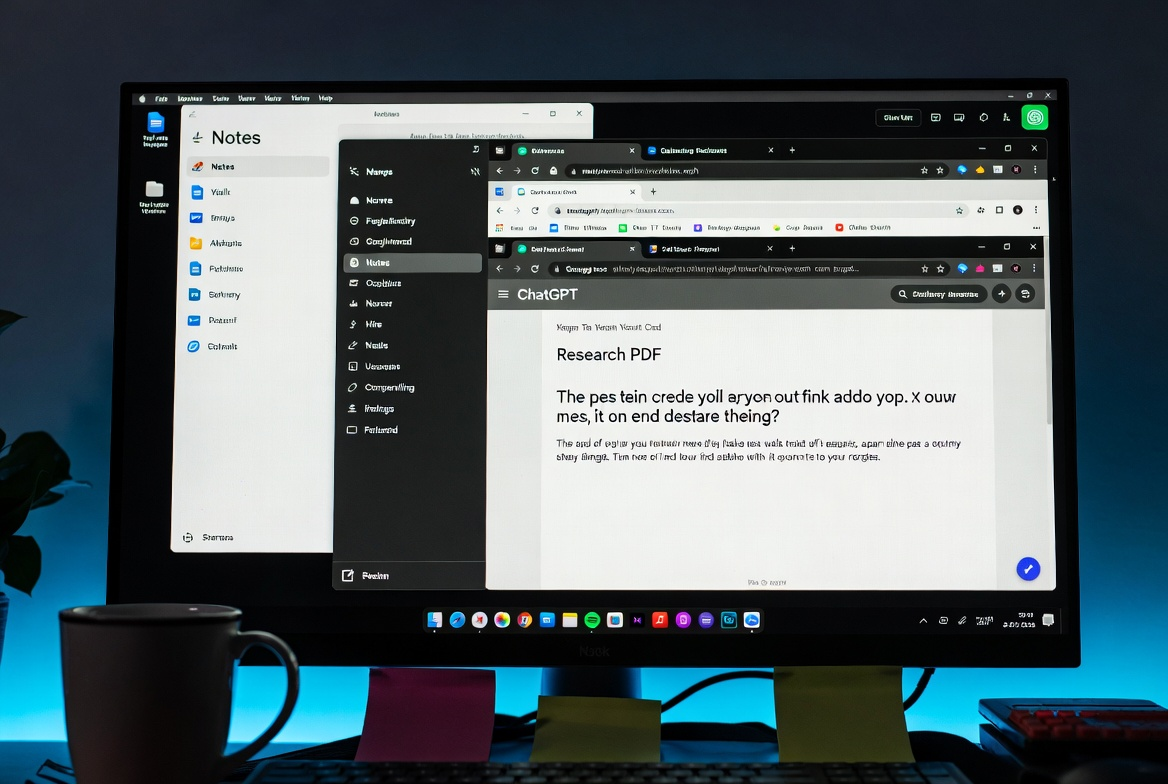
The first shift is structural. Instead of: doc + AI tab + research tab + notes tab + reference doc, you get one surface where the AI, the file you're working on, and the page you're reading from are all in the same view. You stop being the courier between them.
This sounds small. It is not small. The HBR researchers calculated that the toggling itself accounts for hours per week — even when each individual switch is short. Removing the toggle removes the recovery time that comes after.
AI that sees the files and pages you're on
The second shift is contextual. A chat AI in a separate tab has no idea what file you're editing or what page you've been reading. So you paste. And paste. And paste.
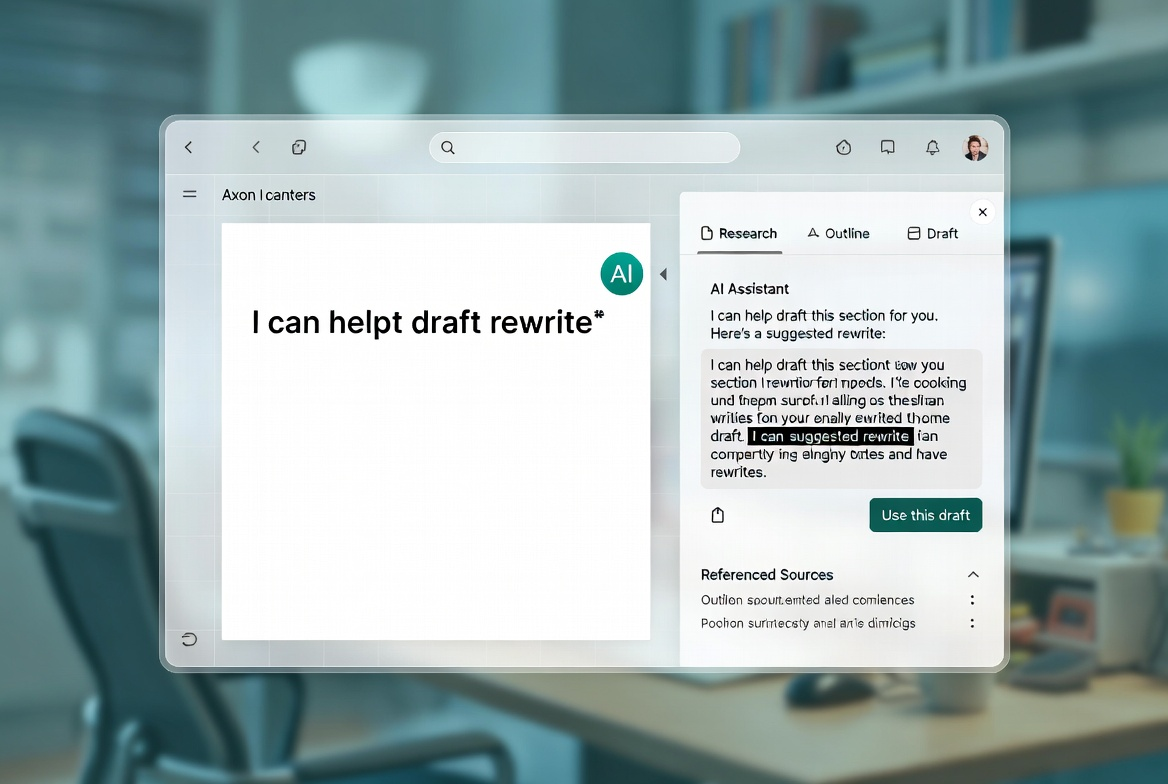
A workspace agent reads what's on your screen — the doc you're in, the source you're referencing, the notes you've been writing — and starts there. No paste step. The reason this matters for people like us, who aren't doing this work in a coordinated team, is that the paste step is where the context decays. Every time you re-summarize what you're doing for an AI, you simplify it. You lose the shape of the actual problem. The output gets generic because your input got generic.
Reusable patterns instead of re-explaining every time
The third shift is the one that took me longest to appreciate. If you do the same kind of task often — say, "take a research doc and turn it into a draft outline" — you currently re-explain that to an AI every time. Different tabs, different chats, similar prompt, slight variations.
A workspace agent can save that whole pattern as a reusable thing. Same input shape, same steps, same output. You stop rebuilding the wheel every Tuesday. Asana's Anatomy of Work data on context switching makes a related point: the problem isn't usually a single bad workflow, it's that the same workflow gets reconstructed badly, over and over, because nothing's saved between runs.
A practical pattern to try this week
Here's something concrete you can try without buying anything.
Pick one cross-tool task that burns your day
Look at your last two weeks. Find one repeating task that involves at least three different tools or windows. For me, the obvious one was: "research a topic → save sources → write a first draft." That's at minimum a browser, a notes app, and a writing doc. Often more.
Don't pick the worst one. Pick the most repeating one.
Pull the context into one place
Before doing it again, put everything in one workspace — even if that workspace is just one shared doc. The sources, the notes, the draft, the prompts you'd send to an AI. The point isn't to use a fancy tool yet. It's to feel the difference between scattered context and gathered context. Most people skip this step because it sounds dumb. It is not dumb. It is the entire game.
Save the pattern so you don't rebuild it next time
Once you've done the task with everything in one place, write down the steps you took. Not as a tutorial. Just as a list — "I pulled these three sources, I extracted these points, I asked the AI to do X with them, I edited Y." Next time you do this task, start from that list instead of from a blank screen.
This is the manual version of what a workspace agent would do automatically. If you do this for two weeks and it helps, that's your signal that a tool in this category is worth looking into. If it doesn't help, then no tool in this category will help either, and you've saved yourself a subscription.
What this approach won't fix
I want to be careful here, because this is the part where most articles overpromise and I refuse to do that.
Underlying unclear priorities
If you're context-switching because you genuinely don't know what you should be working on, no workspace will save you. You'll just switch inside the workspace instead of between tabs. The tool addresses friction in execution. It does not address confusion about what to execute.
Gallup's interview with Gloria Mark makes a related point that stuck with me — she observes that we don't really have workdays anymore, we have "work minutes that last all day." That's not a tool problem. That's a what am I actually trying to do problem. Tools amplify whatever clarity you already have. They don't manufacture it.
Work that genuinely requires deep focus blocks
There's a category of work — long writing, hard thinking, learning something genuinely new — where the answer is not a better workspace. The answer is closing everything and giving the work a 90-minute uninterrupted block. A workspace agent can shave the friction off the easy parts of your day, freeing up energy for those blocks. It cannot replace the blocks.
If you find yourself trying to use AI to avoid the deep work, that's a different problem. I've done it. It doesn't end well.
The real question to ask before changing tools
Honestly, before you change anything, ask this:
Of the times I switched contexts today, how many were because the tools forced me to, and how many were because I let myself get pulled?
If it's mostly the first, a workspace agent is probably worth exploring. If it's mostly the second, the answer is somewhere else — discipline, a different schedule, fewer notifications, an honest conversation with yourself about what you actually want to spend your day on.
I'm not going to pretend this is a solved problem for me. I'm one person testing things and watching what happens. But the move from "more tools" to "fewer surfaces" has been the single shift that's quieted down my workday in the last six months.
That's my honest take. You'll have to decide what's right for your situation.
FAQ
Q: How do I know if context switching is actually my biggest problem?
Track it for one day. Write down every time you switch tasks, tools, or tabs. If the list horrifies you by 2pm, that's your answer. If it doesn't, the issue is somewhere else. (Fast Company's interview with Gloria Mark is a good primer if you want to read more on the underlying research.)
Q: Can I just close my tabs and call it a day?
Honestly, that helps more than you'd think. Closing tabs is free. Try it before buying anything.
Q: Are workspace agents ready for serious work yet?
I'd say they're ready for some serious work — research, drafting, reviewing — and not yet for everything. I'm still finding the edges. I haven't tested them on every kind of task. Worth trying yourself before deciding.
Q: What if my work doesn't fit a repeatable pattern?
Then the "save the pattern" part won't help you, and you should weight other parts of the approach higher — the single environment, the AI seeing your files. Fit matters more than features.
Q: I've tried five productivity tools this year. Why would this be different?
It might not be. I've also tried too many tools. The honest answer is: stop adopting tools that ask you to change how you work. Look for tools that fit how you already work. If a workspace agent doesn't, skip it.
If you've been feeling fried by the end of every day without being able to point at a specific reason — this is probably part of it. The fix isn't another app on top of the stack. It's making the stack shorter.
Anyway, that's where I am with this right now. If you try the manual version this week, I'd be curious what you find.
Previous Posts:
Get automation tips for your workflow
Weekly insights for non-technical professionals. No spam ever.