
Finding Raycast for Windows? Try Floatboat!
Searching for a Raycast alternative on Windows? Discover how Floatboat goes beyond a launcher with an AI-native workspace, Combo Skills, local context, and autonomous workflows.
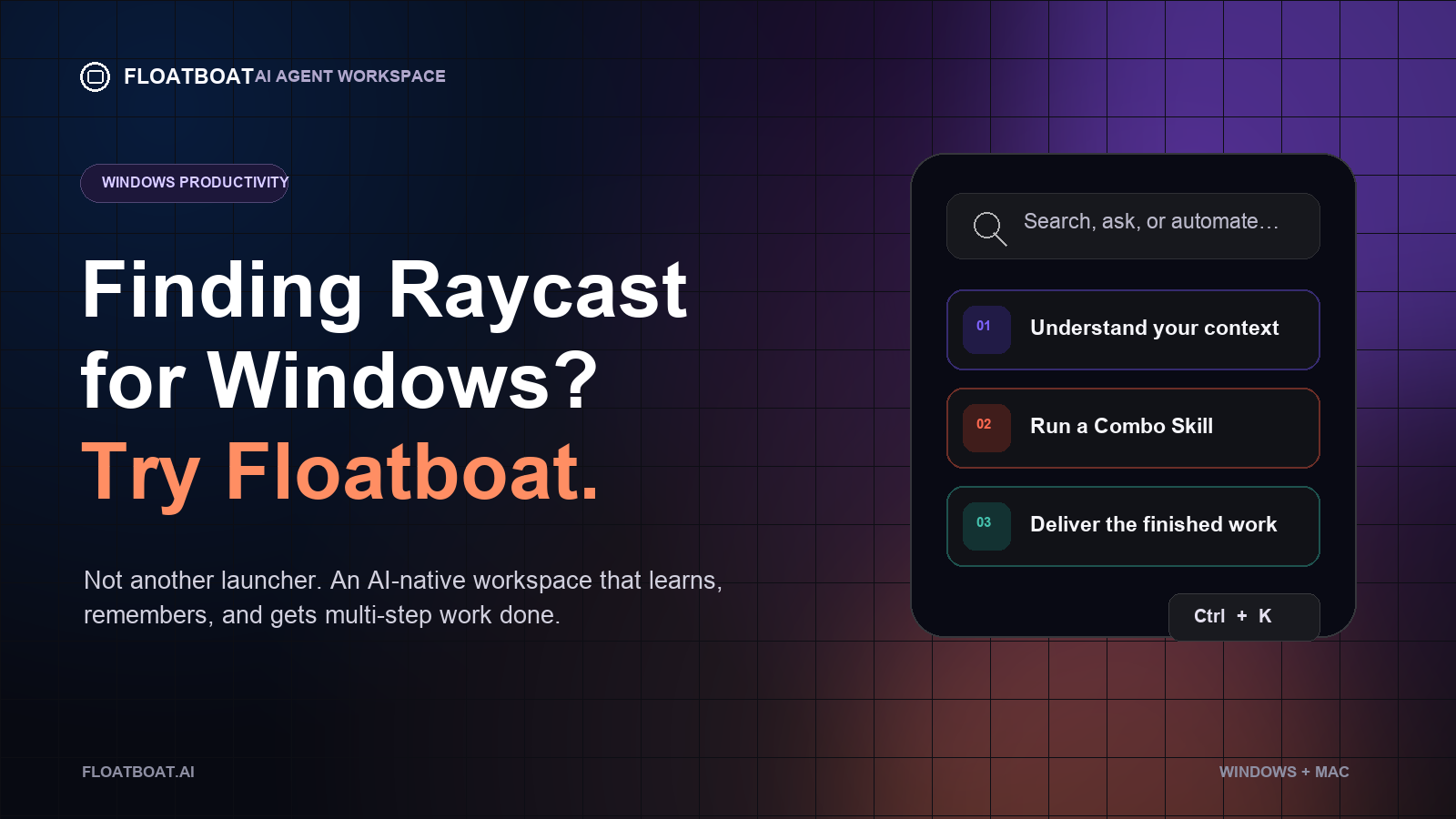
If you've been searching for "Raycast for Windows," you're not alone. Thousands of Windows users envy what Mac users have — a lightning-fast, keyboard-driven launcher that actually understands how they work. But what if the answer isn't a Raycast clone at all, but something fundamentally better?
The Raycast Gap on Windows
If you're a Mac user who recently switched to Windows — or a Windows user who's watched enviously as your Mac friends summon AI, manage files, and automate workflows from a single keystroke — you know the pain. Raycast has become the gold standard for productivity launchers on macOS: fast, extensible, AI-powered, and beautifully designed.
But on Windows? The options have been… underwhelming.
PowerToys Run is functional but barebones. Keypirinha is powerful but developer-centric. Wox and Flow Launcher are valiant open-source efforts, but they lack the polish, AI integration, and ecosystem that make Raycast feel like magic.
Here's the thing, though: the productivity landscape has shifted. In 2026, what you actually need isn't just a launcher — it's an AI-native workspace that understands your work, remembers your preferences, and executes multi-step tasks autonomously. And that's exactly where Floatboat enters the picture.
What Is Floatboat?
Floatboat is the first AI Agent Workspace built for one-person companies, freelancers, and solopreneurs — available on both Windows and macOS. It's not just a launcher or a chatbot. Think of it as your personal AI team, living right on your desktop, deeply connected to your local files, browser, and the tools you already use.
Where Raycast gives you a command palette with plugins, Floatboat gives you a full-stack AI workspace that grows with your needs: start with a simple Agent Chat, then expand into split-screen file management, browser automation, drag-and-drop context flow, and reusable AI workflows called Combo Skills.
Why Floatboat Is More Than "Raycast for Windows"
1. It Learns How You Work
Raycast is fast, but it doesn't learn. You configure it, install extensions, and manually set up workflows.
Floatboat's Tacit Engine takes a radically different approach: it observes how you edit, decide, and execute across every part of your work. Over time, it captures the operating instincts that make your business tick — your judgment, your standards, your preferred way of getting things done. No extra setup required.
Your way of working is your business's biggest asset. Floatboat treats it that way.
2. Combo Skills: Your One-Person Playbook
Instead of browsing extension stores for individual plugins, Floatboat lets you build Combo Skills — reusable AI workflows that capture how you get work done, then replay that playbook whenever similar work shows up.
Sales founder? Turn voice notes into a client-ready pitch deck in 10 minutes.
Content creator? Go from scattered research and rough drafts to publish-ready articles — in your unique voice.
Small business owner? Run a strategic contract review that flags risks and suggests counter-proposals.
These aren't templates. They're living workflows that adapt to your context, and you can find more in the ComboStore — a marketplace of ready-to-use skills built by the community.
3. Context Flows Like Water
One of Raycast's best features is its clipboard history and snippet system. Floatboat takes this concept to another level with frictionless context flow:
Drag browser content into folders to save as Markdown
Drag Agent responses directly into files
Drag local files into chat — no uploading, no copy-pasting
The built-in browser lets your Agent navigate pages, gather information, and automate web tasks
Everything moves seamlessly. Your context never breaks.
4. Native Desktop Integration
Floatboat isn't a web app pretending to be a desktop tool. It's a native desktop application (Windows 10+ and macOS 13+) with deep system integration:
Access all local files and software on your computer
Write tasks directly to your system Reminders
Invoke your local email client
Connect to 3,500+ tools instantly
Works with your existing stack — Slack, Google Drive, and beyond
5. The User Protection Program
Here's something no launcher or AI tool offers: a pay-for-results guarantee. Floatboat's User Protection Program is a bold experiment — if AI clearly fails to deliver, you can request protected credit recovery up to the value of what you paid. It's a small but concrete step toward pricing AI around value, not just compute.
Floatboat vs. Raycast: A Quick Comparison
Feature | Raycast (Mac only) | Floatboat (Win + Mac) |
|---|---|---|
Platform | macOS only | Windows 10+ & macOS 13+ |
Core Model | Launcher + Extensions | AI Agent Workspace |
AI Capability | AI Chat, Commands | Full autonomous Agent |
Learning | Manual configuration | Tacit Engine auto-learns |
Workflows | Scripted quicklinks | Combo Skills (no-code) |
File Integration | Clipboard, snippets | Full local file system |
Browser | None (system browser) | Built-in AI-aware browser |
Marketplace | Extension Store | ComboStore |
Guarantee | None | User Protection Program |
Who Is Floatboat For?
Floatboat is purpose-built for people who wear many hats:
Solopreneurs who are the founder, marketer, ops manager, and support team — all at once
Freelancers who need to scale output without scaling headcount
Consultants drowning in proposals, research, and client deliverables
Creators juggling content across platforms
Anyone who's tired of paying for AI tools that don't actually deliver results
If you've been searching for "Raycast for Windows," what you're really looking for is a way to work faster, smarter, and more autonomously on your PC. Floatboat doesn't just fill that gap — it redefines what a productivity tool should be in the AI era.
Ready to Set Sail?
Floatboat is free to download. No credit card required to start.
👉 Download Floatboat for Windows (and Mac)
Stop searching for a Raycast clone. Start working with an AI teammate that actually learns your business.
Floatboat is built by AOE Tech Labs for one-person companies in the AI era. Available on Windows 10+ and macOS 13+.
Get automation tips for your workflow
Weekly insights for non-technical professionals. No spam ever.