
Lindy vs Gumloop: Which AI Agent Tool Fits You?
Lindy vs Gumloop compared on what actually matters — use case fit, ease of setup, and who each tool is really built for.
Hello, my dears, I'm Nova.
I've been deep in the AI workflow rabbit hole again — and last week I forced myself to do a proper head-to-head test: use both Lindy and Gumloop to build the exact same pipeline — a "research-to-draft content pipeline." And… the experience was a bit more interesting than I expected.
The task was simple but real-world useful:
Trigger: New topic idea lands in my Notion database (e.g., "AI agent pricing trends 2026").
Step 1: Research — pull recent articles, summaries, key stats.
Step 2: Analyze & reason — decide structure, tone, length based on my style.
Step 3: Draft — output an 800-1200 word blog post draft in Google Docs or Notion.
I timed everything, noted where each tool shone or frustrated me, tracked credit burn, and compared the final draft quality. Here's what actually happened when I ran the same task on both.
Aspect | Lindy (prompt-based agent) | Gumloop (visual canvas workflow) |
|---|---|---|
Setup time | ~8–12 minutes: Typed a detailed prompt like "When new Notion page added with topic, research latest sources on the topic, summarize key points, then draft an engaging 1000-word blog post in my conversational style." It auto-suggested integrations (Notion + web search + Google Docs). | ~35–45 minutes: Dragged nodes from blank canvas — Trigger (Notion new page) → Web Search/Perplexity node → Agent node (reasoning) → Claude/GPT node (draft) → Notion/Google Docs output. Had to connect logic branches for "if sources are thin, loop back." |
Where it got stuck | Almost nowhere — prompt handled reasoning and hand-off automatically. Only tweak: added "use recent 2026 sources only" to avoid old data. | Debugging the Agent node: first run hallucinated stats because no loop for "verify facts." Spent 15 min adding conditional logic + retry. Blank canvas felt overwhelming at first. |
Final draft quality | Solid — conversational, pulled real 2026 stats, good flow. But slightly generic in places (AI "safe" tone). Score: 8/10 | Excellent — more precise structure (I defined headings explicitly in prompt node), better fact-checking via loop. Felt more "me." Score: 9/10 |
Credit / cost burn | ~45–60 credits per full run (quick because agent optimized steps). Free tier (400 credits) handles ~6–8 runs/month comfortably. | ~120–180 credits per run (more nodes = more tokens, especially Agent + LLM calls). Free tier (few thousand credits) burns faster on tests; paid feels necessary for repeated runs. |
Ease for this task | Winner — felt like chatting with a smart assistant who "got it" fast. | Powerful once built, but upfront investment high. |
Verdict from the test: For this one-off or low-frequency content research task, Lindy got me a working (and decent) result 3x faster with way less mental load. Gumloop's draft was objectively better, but only after I invested time tweaking the canvas — it pays off massively if I run this pipeline 20+ times/month (e.g., batch content for a team). |
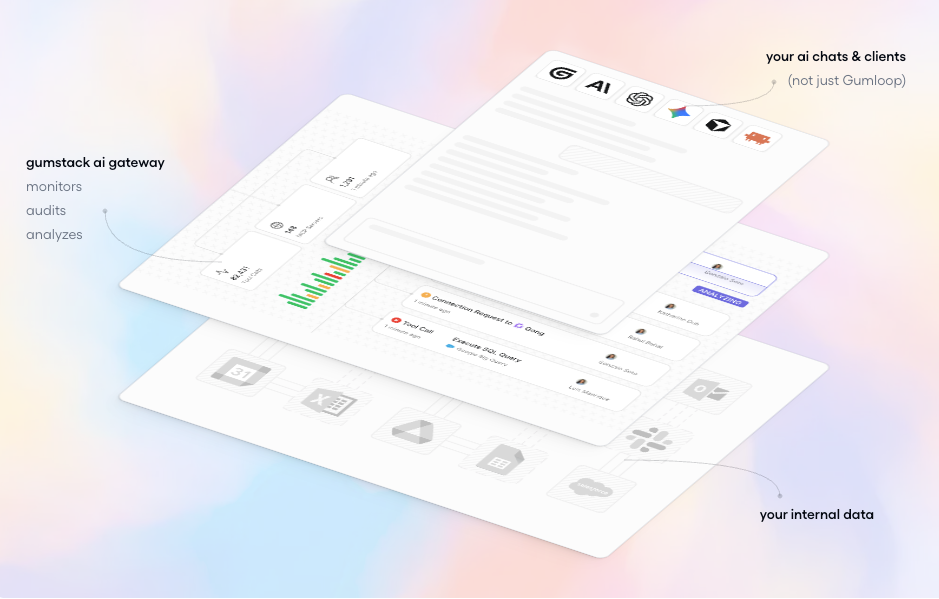
What Each Tool Is Actually Built to Do
Before comparing them, it helps to understand what each tool is designed for — because they're solving genuinely different problems. Here’s where it got interesting.
Lindy — Inbox, Meetings, and Calendar Focus
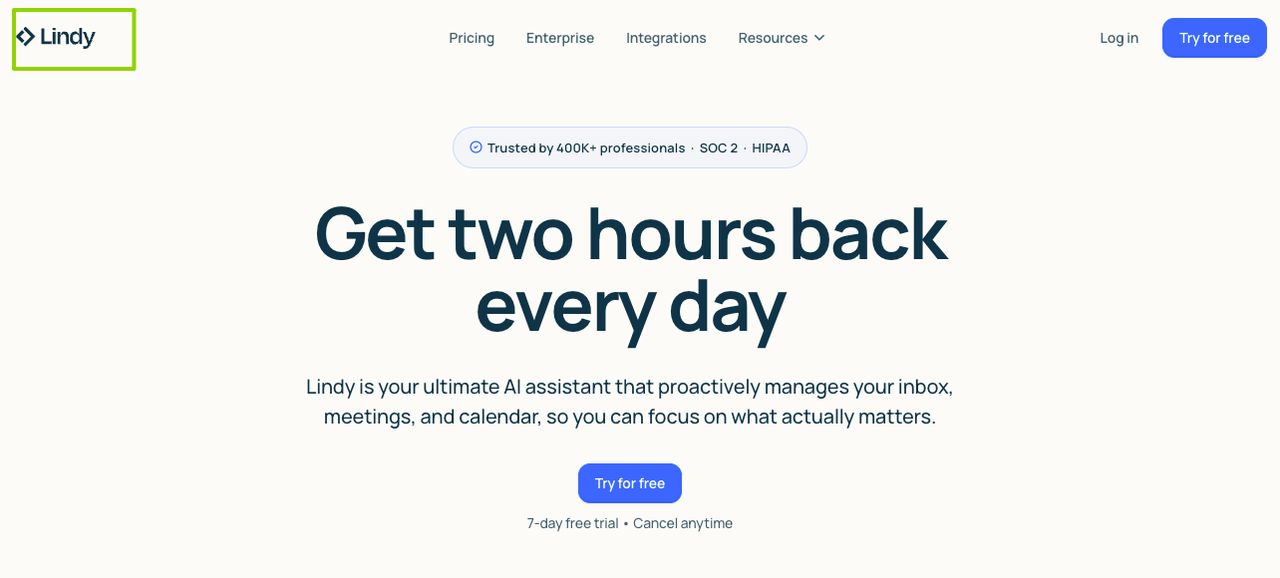
Lindy is built around the communication layer of work: email, calendar, and meetings. You describe what you need in plain language, and Lindy creates an agent around it. No canvas, no node mapping — just a prompt and a set of connected tools.
What caught my attention is how Lindy handles multi-step tasks. Its agents can make decisions mid-flow and hand work off to other agents — so the flow adapts based on what's actually happening, rather than strictly following a pre-defined script. In my test, I set up an email-triage agent in under 10 minutes. That was genuinely faster than I expected.
It's a more guided experience overall. Lindy's templates lean heavily toward inbox, meetings, and calendar scenarios, which makes onboarding quick if those are your pain points. If you're curious about what "agents making decisions mid-flow" actually means under the hood, Anthropic's documentation on building with Claude offers a useful primer on how LLM-based agents reason and hand off tasks — not specific to Lindy, but it helps frame the concept.
Gumloop — Workflow Builder, Visual Canvas Focus
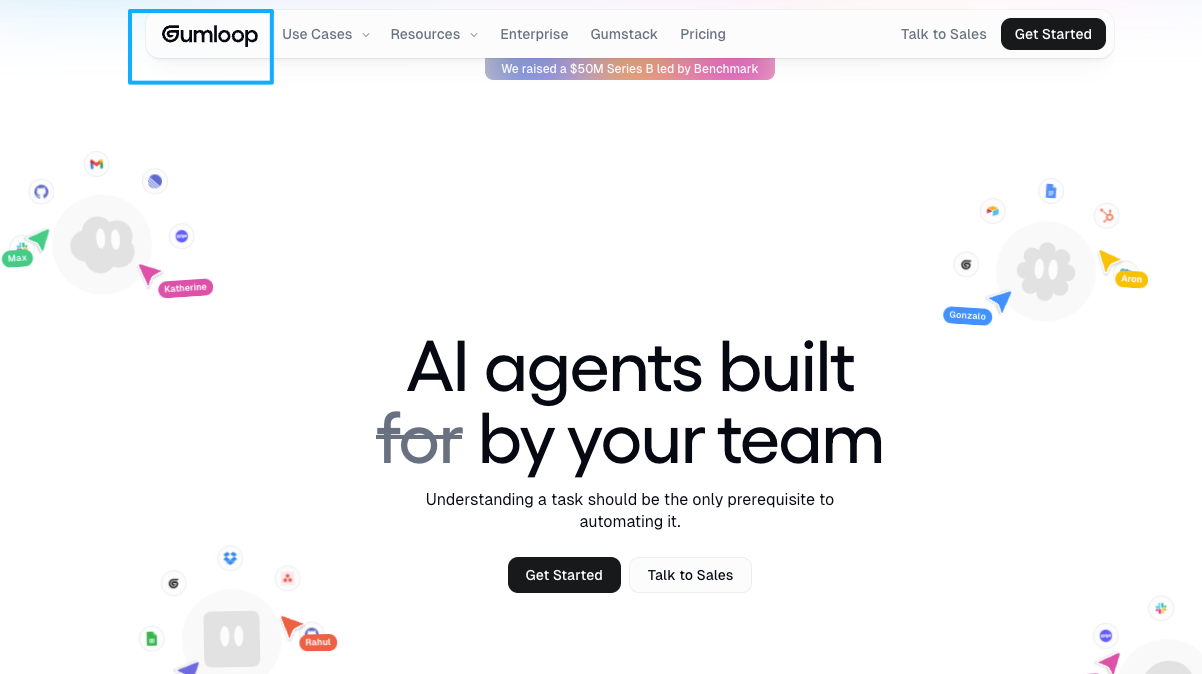
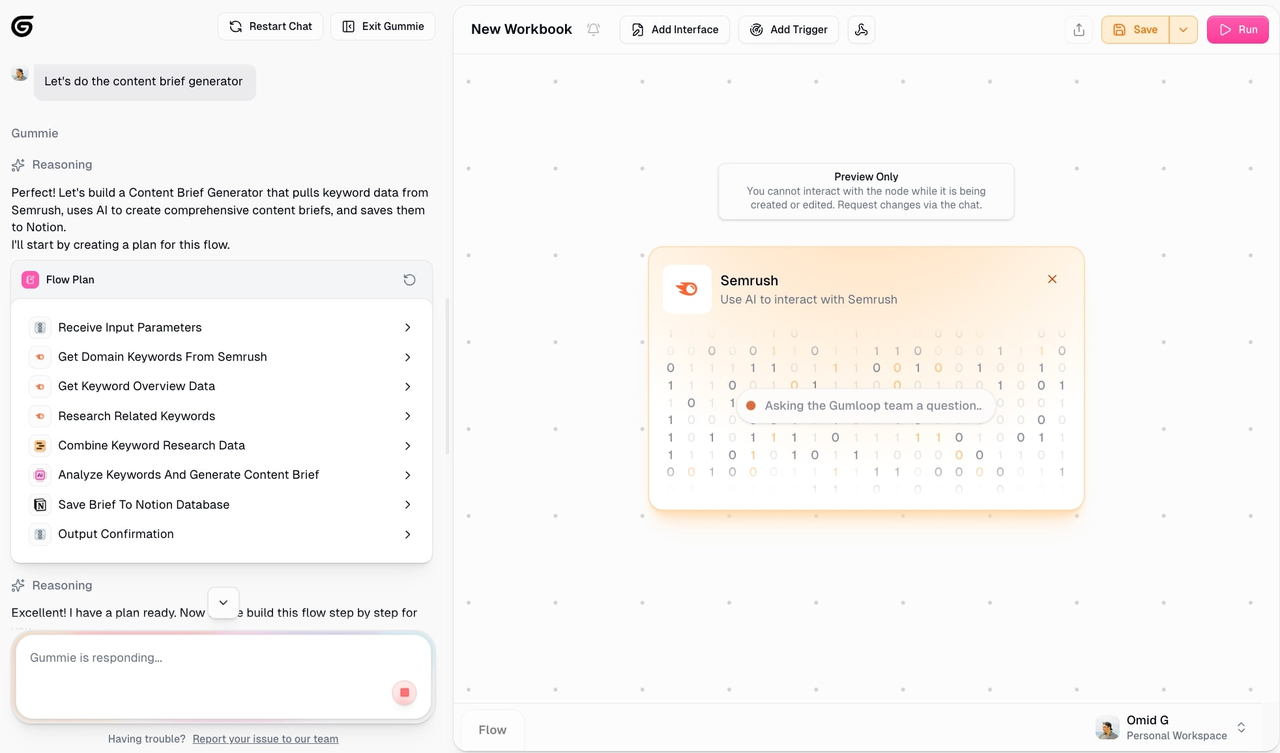
Gumloop works differently. It's a no-code AI automation platform where you build custom workflows using a visual, node-based editor — connecting triggers, logic steps, integrations, and AI actions on a canvas.
The key thing to understand: Gumloop isn't just a fixed-sequence pipeline tool. It supports agent nodes that bring intelligent, adaptive decision-making directly into your structured automation pipelines — so you can embed reasoning inside a workflow you design yourself. The visual canvas lets you see the entire process, edit any part of it, and test in real time. For a closer look at how this works in practice, Gumloop's official documentation on agent nodes lays out the specifics clearly.
That said, Gumloop does not guide you toward outcomes or suggest what to build next. You start with a blank canvas, and the platform expects you to think through logic, edge cases, and execution costs. In my test, getting a working pipeline took me closer to 30–40 minutes before it ran cleanly. Not painful — but it asks more from you upfront.
Key Differences Side by Side
Area | Lindy | Gumloop |
|---|---|---|
Setup experience | Prompt-based, guided templates | Visual canvas, blank-slate by default |
AI behavior | Agents reason and adapt mid-task | Agent nodes available inside workflows |
Primary use cases | Email, calendar, meetings, sales follow-up | Data pipelines, document processing, scraping |
Learning curve | Low — approachable for non-technical users | Medium — rewards patience and planning |
Pricing (entry) | ~$49.99/month | ~$37/month, free tier with 2k credits/month |
Who it suits | Solo operators, ops teams, non-technical users | Teams comfortable designing workflows from scratch |
The key architectural difference isn**'t that one uses AI and the other doesn't** — both support intelligent agents. It's more about where you control logic. Lindy handles reasoning at the agent layer and makes decisions for you. Gumloop lets you design where reasoning happens, inside a workflow you map out yourself. |
Where Lindy Is the Better Fit
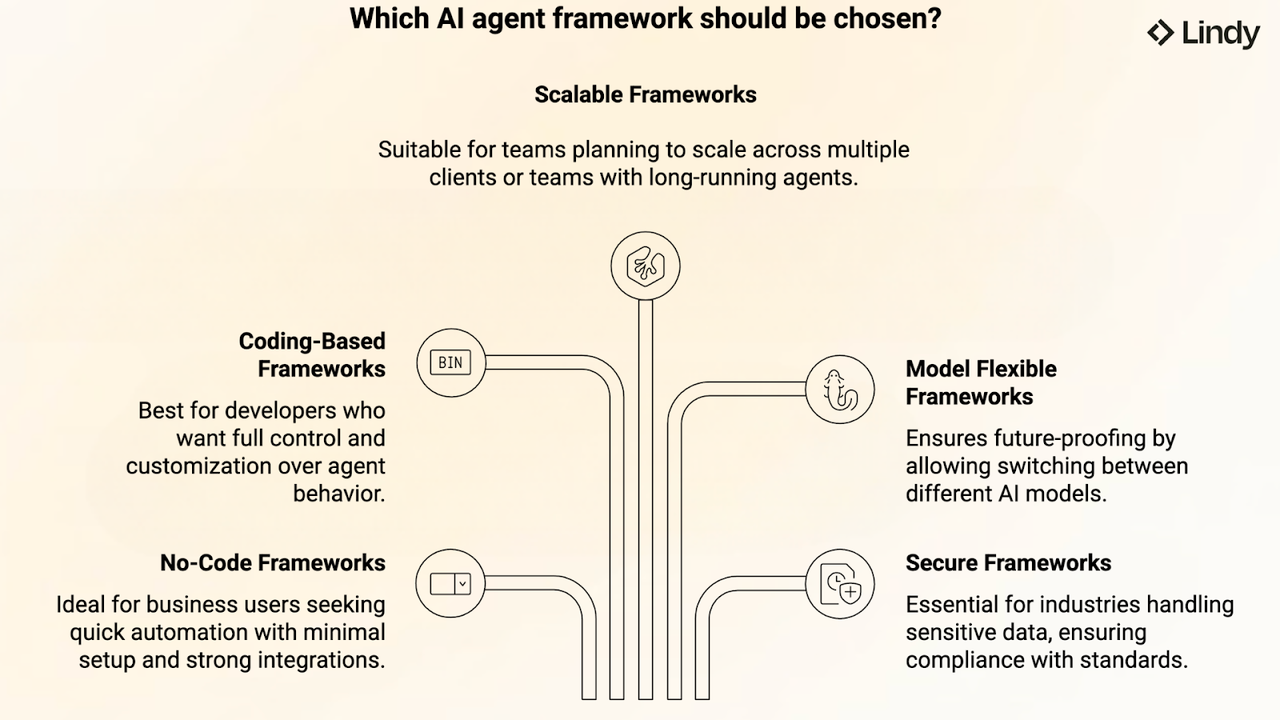
Lindy wins when speed of setup and communication automation are what matter most to you.
Specific Scenarios Where Lindy Wins
You're drowning in email. This is Lindy's home turf. Its templates and agent setup lean heavily toward email categorization, response drafting, and inbox triage. For anyone whose biggest productivity bottleneck is a messy inbox, Lindy is probably the faster path to relief.
You need meeting intelligence quickly. Lindy's calendar and meeting templates — pre-meeting briefings, post-call summaries, follow-up drafts — are among its most polished features. I've seen it used to auto-prep call briefs based on calendar events, pulling in context from CRM and email automatically.
You're non-technical and want something working today. The natural language setup removes a lot of friction. You don't need to design a flowchart or understand node logic to build something useful. For solo operators who want immediate productivity gains, that frictionless start is a real advantage.
You want agents handing off to other agents. If your use case involves chaining agents — a research agent feeding a drafting agent, for example — Lindy handles that natively in a fairly approachable way.
Where Gumloop Is the Better Fit
Gumloop is stronger when you need precision, visibility into every step, and the ability to handle complex or high-volume data work.
Specific Scenarios Where Gumloop Wins
You're processing documents at scale. Tasks like processing large document sets, enriching data, or running structured AI workflows tend to work well once a Gumloop pipeline is dialed in. The upfront setup investment pays off over time when the same flow runs repeatedly.
You need web scraping or browser automation. The Chrome extension lets you record browser actions, scrape web data, and automate web-based tasks without needing APIs. For anyone dealing with unstructured web data, that's a genuine differentiator.
You want to see and control exactly what AI does. Because you can see the entire process on the canvas and edit any part of it in real time, Gumloop rewards the kind of person who likes to understand the logic and refine it over time. If you're newer to workflow thinking, n8n's documentation on workflow automation patterns is a solid free resource for building that mental model — the concepts transfer well to Gumloop's canvas.
You're running CRM or sales data workflows. Gumloop connects with tools like Salesforce, HubSpot, and Apollo. In practice, this means you can build pipelines that pull account data, run AI analysis on it, and push structured outputs back — though how much that actually speeds things up depends on how well you design the flow.
What Neither Tool Does Well
Worth being upfront about the real limitations. Okay, I made this harder than it needed to be.
Lindy's credit consumption warrants attention. For teams running large or frequent workflows, credit-based pricing can add up. If you're in an exploratory phase and running lots of tests, it's worth monitoring usage closely rather than discovering the bill later.
Gumloop's learning curve is real. The visual canvas is powerful but takes more time to master than simpler chat-based tools — and even though it's no-code, understanding programming logic helps you use it effectively. If you're in a hurry, that blank canvas can feel more like a burden than a feature.
Neither is a complete out-of-the-box solution for complex customer-facing AI. If you're building something like a full support automation system, you'll likely need to combine these with other tools or do meaningful custom configuration work. The MIT Technology Review's AI coverage is worth bookmarking here — it tracks where the overall AI tooling landscape is heading, which matters if you're building workflows meant to last.
How to Decide Based on Your Actual Workflow
Here's my honest take after testing both:
Choose Lindy if:
Email, calendar, or meeting management is your biggest friction point
You want something running quickly without mapping out a flowchart
You're a solo operator or small team that needs immediate, practical gains
You prefer agents that adapt and reason, with less manual configuration
Choose Gumloop if:
You're comfortable investing time upfront to design a well-structured workflow
You need to handle large volumes of data, documents, or web content
You want full visibility into every step of your automation logic
Batch processing, data enrichment, or CRM workflows are central to your work
And if you're genuinely unsure — take both free tiers and give each tool the same real task you actually need to solve. The one that gets you to a working result in less time is probably your answer.
FAQ
Q: Lindy and Gumloop — do they have free plans?
Both offer free tiers worth trying before committing. Lindy's free plan lets you test basic agent setups, though credit limits kick in quickly if you run multi-step flows. Gumloop offers around 2,000 free credits per month — enough to build and test a simple pipeline, but not a lot of room to experiment heavily. Either way, the free tier is enough to get a real feel for how each tool thinks.
Q: I'm a solo creator, not a developer. Which one should I start with?
Start with Lindy. The natural language setup means you can describe what you want and have something running without mapping out any logic. Gumloop's canvas is genuinely powerful, but if you're new to workflow thinking, the blank-slate starting point can slow you down before you see any results.
Q: Can these tools replace each other completely?
Not really — they're built for different problems. Lindy is hard to beat for email, meetings, and calendar tasks. Gumloop earns its place when you need repeatable, high-volume data pipelines with full visibility into each step. If your work touches both areas, you might end up using them for different things rather than picking one forever.
Q: What's the biggest hidden cost to watch out for?
For Lindy, it's credit burn during testing — costs add up faster than expected when you're iterating on agent logic. For Gumloop, it's time investment upfront. The canvas gives you control, but getting a pipeline to run cleanly can take longer than you'd plan for. Neither cost is a dealbreaker, but both are worth knowing going in.
This little test turned out to be more interesting than I thought. At first, I just wanted to compare tools. But it ended up helping me understand something else — how I actually like to work. Sometimes it’s not really about which tool is “better,”but which one fits your current rhythm a bit more naturally. Anyway…, that was a fun one to explore. If you’ve been playing around with AI workflows too, you might find these tools pretty interesting.
Previous Posts:
Get automation tips for your workflow
Weekly insights for non-technical professionals. No spam ever.