
HTML-Anything Review 2026
html-anything review for 2026: what this open-source AI HTML editor proves, where it helps, and where the setup may be too much.
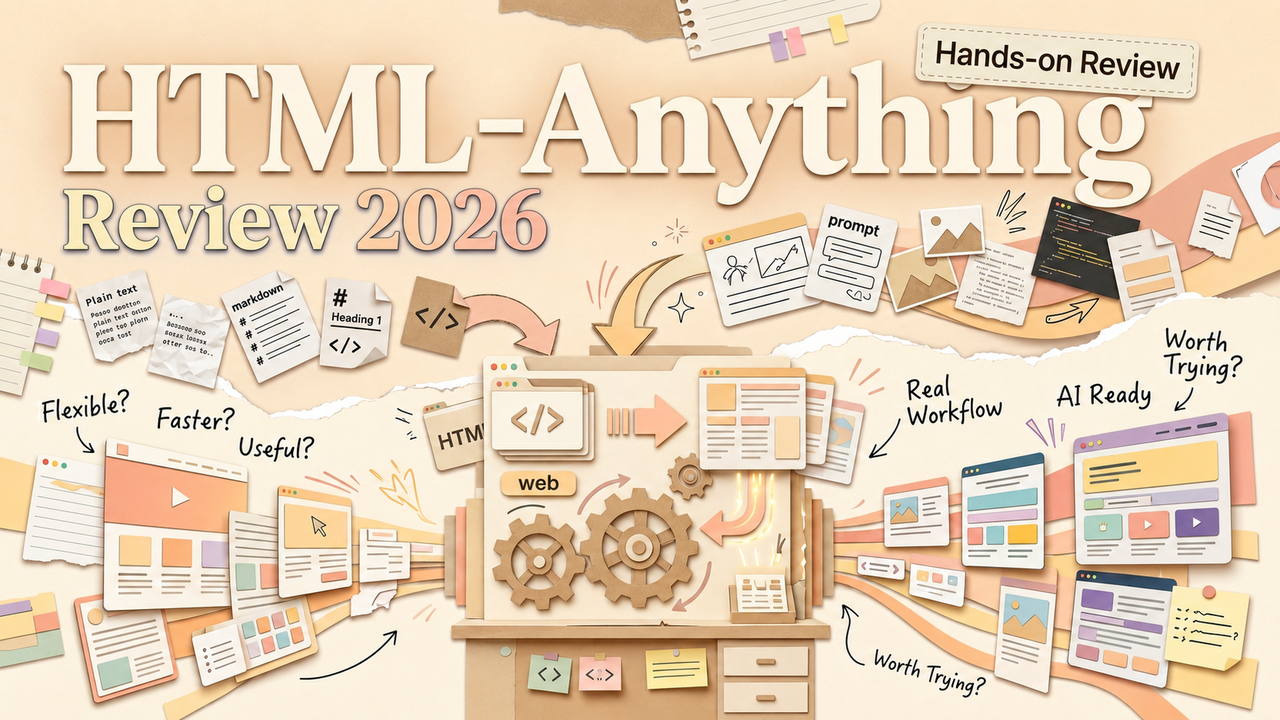
Hi, Nova is here. So the whole "HTML is the new Markdown" debate hits, everyone's talking about richer agent output, and then — about a week later — a tool shows up that basically says: okay, here's the infrastructure to actually do that. Not just talk about it. Do it.
That tool is html-anything. And this is my honest html-anything review after spending time with the repo, the docs, and the template library — though I want to be upfront that I haven't done a full local install myself. More on why below.
What Html-Anything Is Trying to Prove
The pitch is short: your local AI agent writes the HTML, you ship it.
html-anything is an open-source project from the nexu-io team on GitHub — the same people behind Open Design, which pulled in tens of thousands of stars within weeks of launch. It's licensed under Apache-2.0, built in roughly three days with about 15,000 lines of code, and released in May 2026.
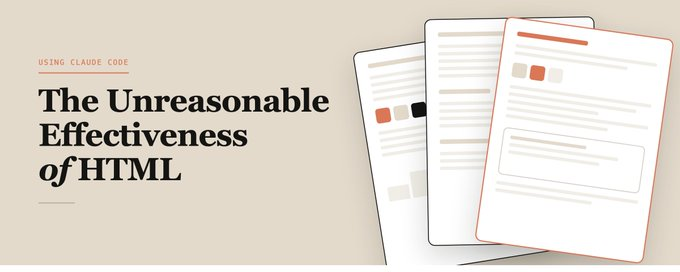
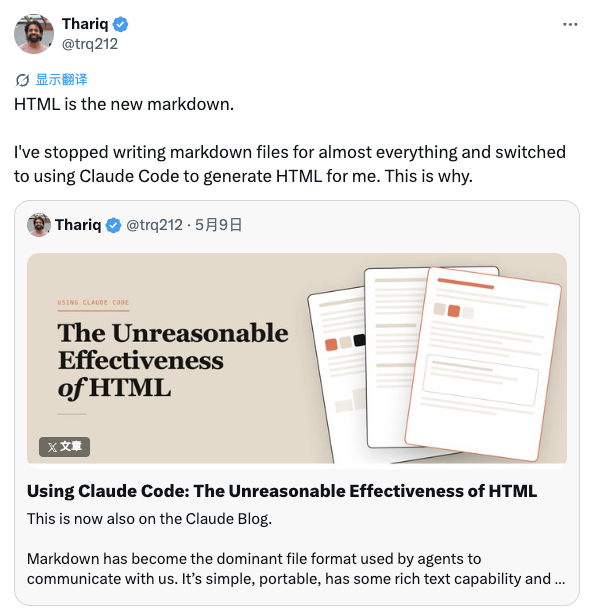
The thesis behind it connects directly to what Thariq Shihipar argued in his companion site on the unreasonable effectiveness of HTML: if your AI agent can produce rich, visual, interactive HTML instead of flat Markdown, the output becomes something people actually engage with. html-anything takes that argument and wraps a production workflow around it.
Here's how I think about what it's trying to prove: the "agentic HTML editor" concept — agent does the writing, human does the reviewing and shipping — shouldn't require you to stitch together five different tools. One interface, templates included, export built in. That's the bet.
Okay, this is kind of interesting. Let me dig into how it actually works.
How It Turns the HTML Debate Into a Tool
Local agent CLIs, skills, templates, preview, export
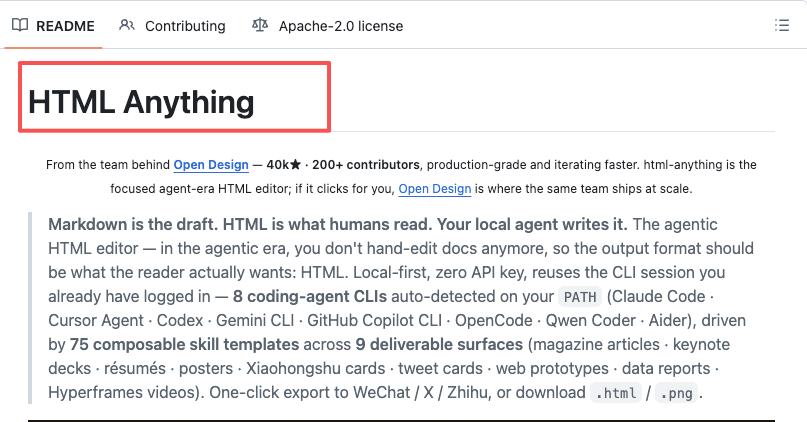
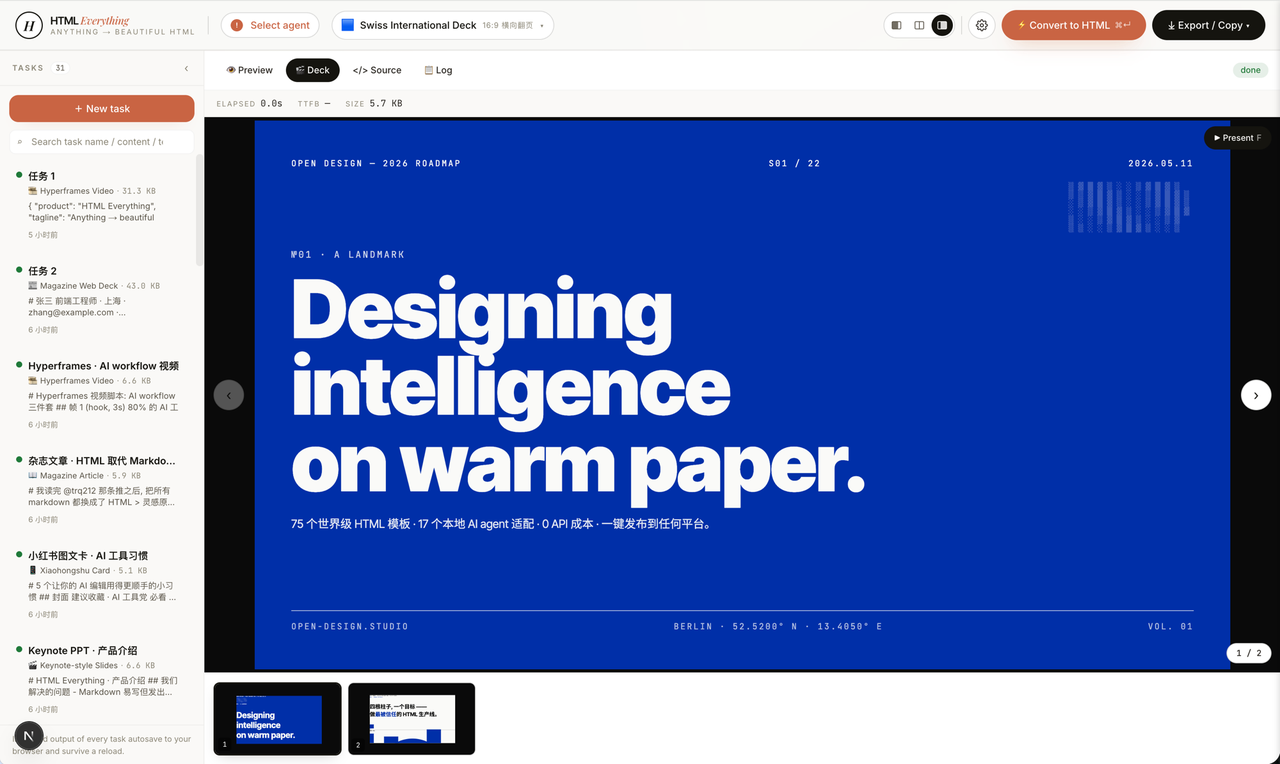
The architecture is local-first, which is the detail that actually matters for people who care about where their data goes. html-anything doesn't run your prompts through a cloud service of its own. Instead, it auto-detects whatever coding-agent CLI you already have logged in on your machine — Claude Code, Cursor Agent, Codex, Gemini CLI, Copilot CLI, OpenCode, Qwen Coder, or Aider. Eight CLIs, as of this writing. It scans your PATH, finds the session, and reuses it. No second API key required.
That's where the "zero API key AI tool" label comes from, and it's accurate — but with a caveat I'll get to in the FAQ.
The template system is where the tool gets opinionated. 75 Skill templates across 9 deliverable surfaces: magazine articles, keynote decks, posters, resumes, Xiaohongshu cards, tweet cards, web prototypes, data reports, and Hyperframes videos. Each skill follows the Claude Code SKILL.md convention with extended frontmatter for mode, scenario, surface, and design system.
Preview happens in a sandboxed iframe with SSE streaming — you see the output build in real time as the agent generates it. Export targets include WeChat (with inline CSS), X, Zhihu, standalone HTML, and PNG. The WeChat export is a small thing that signals who this team is building for — cross-platform content creators who need to publish across very different distribution channels.
I haven't tested every export path myself. I can speak to what the documentation shows and what the repo structure confirms. The template library is genuinely extensive — I clicked through a good chunk of the skills and they're real, not placeholder files.
What Works Well for Solo Operators
Reports, decks, social cards, prototypes, reusable artifacts
If you're running a one-person operation and you already have Claude Code or another agent CLI set up, here's where I think html-anything earns its place:
Reusable templates for recurring output. This is the thing that separates it from just asking an agent for HTML in a one-off prompt. If you produce a weekly data report, or you regularly make social cards for content distribution, or you need consistent-looking slide decks — having 75 pre-built skills means you're not re-prompting from scratch every time. The design system layer gives output visual consistency without you manually styling anything.
Multi-surface export in one tool. Taking the same content and pushing it to WeChat, X, and a standalone HTML file from a single workspace — that removes real friction. I've seen people do this with three different tools and a lot of copy-pasting. Having it in one place is a quiet win.
Local-first means your data stays put. For solo operators working with client material or proprietary research, this matters more than most tool reviews acknowledge. Your prompts and outputs don't pass through a third-party server. They go through whatever agent CLI you've already authenticated with. That's it.
Oh, and the Hyperframes feature — which converts HTML to MP4 via Remotion's rendering framework — is worth knowing about. It's an extra rendering pipeline, and I haven't tried it, but the concept of turning a styled HTML artifact into a video clip without leaving the workflow is the kind of thing that makes you go: wait, it does that too?
Where Html-Anything May Be Too Technical
CLI dependency, template fit, setup friction, review needs
Here's where I want to be direct, because I think this is the most important section for non-developer solo operators.
The hard prerequisite is a logged-in coding-agent CLI. If you don't already have Claude Code, Codex, or one of the other eight supported CLIs installed and authenticated on your machine, html-anything doesn't work. There's no browser-only version. No "sign up and go." This is a local-first AI editor that assumes you're already in the terminal. For content creators and solo entrepreneurs who aren't developers, this is a real barrier — not a minor one.
Template fit isn't guaranteed. 75 skills is a lot, but if your specific deliverable doesn't match one of the nine surfaces, you're either customizing a template or prompting from scratch. I could see this working beautifully for someone who produces magazine-style articles and Xiaohongshu cards regularly. I could also see someone whose output is mostly long-form documentation finding the template library less useful.
Output needs human review. This one applies to every AI-generation tool, but it's worth saying clearly: html-anything produces a first draft. The preview is live and the templates are polished, but you still need to read the output, check facts, and adjust before publishing. The tool doesn't remove that step.
Community and support are still early. The Discord exists but it's run by the upstream Open Design team, and for a project released in May 2026, the issue tracker and community conversations are still finding their shape. If you hit a problem, you might be filing the first issue about it.
Hyperframes adds a layer. The HTML-to-MP4 path via Remotion requires an extra rendering chain. It's not broken — it's just another dependency to manage, and for someone who was hoping for a simple tool, it might feel like one thing too many.
I'm probably not using this to its full potential — I haven't run a full end-to-end session. But I've read enough of the repo and docs to know where the friction points are, and I'd rather say that out loud than pretend I've tested every edge.
Should You Try It Now or Just Watch?
Here's my honest take. If you already have a coding-agent CLI installed and you regularly produce visual content across multiple platforms, html-anything is worth trying today. The template library is real, the export pipeline covers platforms most tools ignore, and the local-first architecture solves a trust problem that matters.
If you're not a CLI person — if your workflow lives in Claude's Artifacts panel or ChatGPT Canvas — html-anything isn't replacing those tools for you right now. Those are faster for one-off tasks. html-anything is for when you need repeatable, multi-surface, visually consistent output from an agent you already trust.
If the answer isn't obvious yet, wait. The project is moving fast, and what's available in three months may look different. Bookmark the repo, check back when you're ready.
FAQ
What is html-anything?
An open-source, local-first agentic HTML editor. It connects to your existing coding-agent CLI, provides 75 skill templates across 9 deliverable surfaces, offers sandboxed live preview, and exports to multiple platforms including WeChat, X, Zhihu, HTML, and PNG. Built by the nexu-io team, licensed Apache-2.0.
Does html-anything require an API key?
No — and that's the "zero API key AI tool" claim. It reuses the session from whatever coding-agent CLI you already have logged in. But here's the layer underneath: tokens still run against your agent subscription's quota. You're not paying html-anything, but you are paying your agent provider. Claude Code's usage counts against your Anthropic plan. Codex counts against your OpenAI plan. Zero API key doesn't mean zero cost.
Is html-anything useful without Claude Code or another agent CLI?
Not in its current form. The tool auto-detects CLIs on your PATH — no CLI, no generation. This is the biggest barrier for non-technical solo operators. If you're not comfortable in a terminal, Claude Artifacts or ChatGPT Canvas are more accessible entry points for HTML output today.
Who should try html-anything first?
People who already use a coding-agent CLI daily, produce content across multiple platforms, and want design-consistent, reusable templates. Content creators who publish to both Western and Chinese social platforms will find the export targets unusually well-matched. Developers who want to prototype quickly will find the skill library useful. If none of that sounds like your Tuesday, you can probably wait.
How does html-anything compare to just asking Claude (or another model) for HTML directly?
Both work. For a single, one-off request — "make me an HTML report" — prompting Claude directly or using Artifacts is faster. You don't need to install anything. The output is instant. Where html-anything pulls ahead is templates, visual consistency across outputs, live preview with SSE streaming, and platform-specific export. If you produce the same type of deliverable repeatedly and need it to look polished every time, the template layer saves you from re-describing your design system in every prompt. If you do it once a month, just prompt directly.
That's my honest take. The tool is early, the concept is solid, and the question is whether it fits into your workflow — not whether the idea behind it matters. It does. Back to building things.
Previous Posts:
• Already using coding agents? Read: Claude Code for Non-Developers: What Solo Operators Should Know
• Thinking beyond chat interfaces? Read: AI Workspace Agents and the Future of Human-AI Workspaces
Get automation tips for your workflow
Weekly insights for non-technical professionals. No spam ever.