
Gumloop Review 2026: Powerful, But Is It Right for You?
Gumloop can automate complex workflows — but who actually gets the most out of it? Here's an honest look at what it does well, where it falls short, and who it's really built for.

Hey, long time no see. I'm Nova. I've been spending a lot of time lately testing AI workflow tools — not because anyone asked me to, but because honestly, I keep running into the same problem: too many tabs, too many manual steps, and not enough hours. Gumloop kept showing up in my research, so I finally sat down and dug in properly.
What Gumloop Actually Does
The core idea: visual workflow automation for non-developers
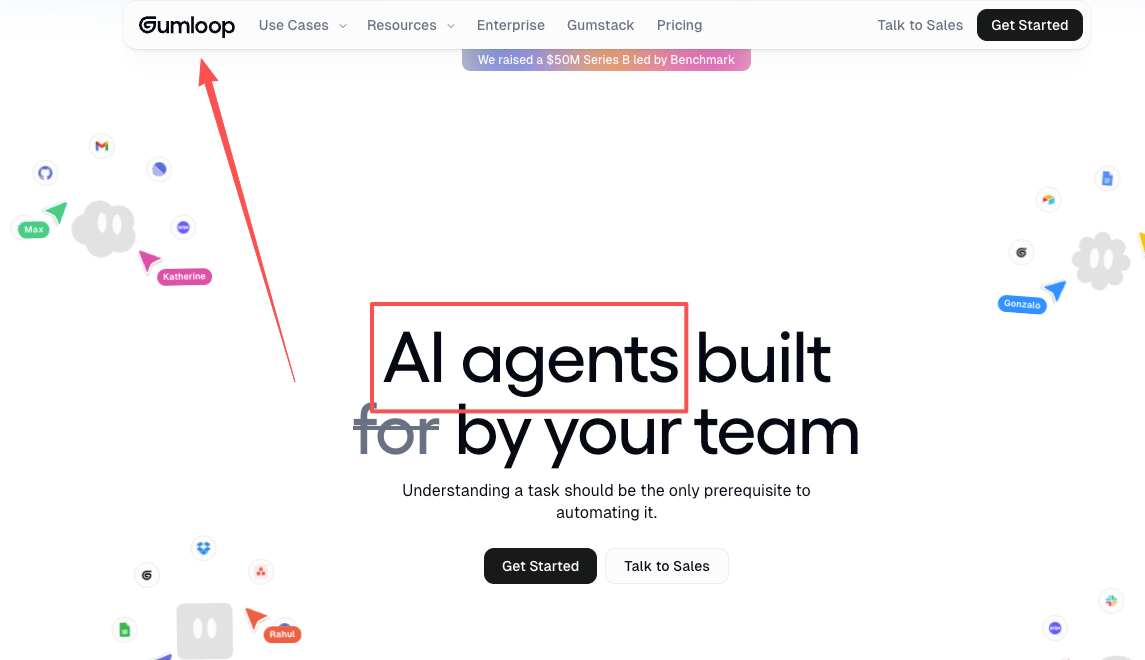
Gumloop is, at its heart, a no-code AI automation platform built around a visual canvas. You drag nodes onto a board, connect them, and those connected steps become a working automated flow. Unlike older automation tools, Gumloop lets you plug in AI models like ChatGPT and Claude directly into your workflows — so it's not just moving data from A to B, it's processing and making decisions along the way.
Founded as a Y Combinator Winter 2024 startup, Gumloop closed a $50 million Series B led by Benchmark in early 2026, which tells you something about where the market thinks this category is going.
How the agent builder works in practice
You build "flows" by stacking nodes — each one handles a discrete task. One scrapes a web page, the next calls an LLM to summarize it, another drops the output into a Google Sheet. A standout feature is Gummie — a meta-agent that creates workflows for you. You describe what you want to automate in natural language, and Gummie generates the matching workflow.
Sounds smooth in theory. In practice? It depends a lot on what you're trying to automate — and how clearly you can map that out as a sequence of steps.
Where It Genuinely Shines
Teams with defined, repeatable multi-step processes
This is where Gumloop actually earns its price. It works well for tasks like batch updating CRM records or processing thousands of documents. If you're running a sales ops workflow that enriches leads, scores them, and drafts outreach — and you do that at volume, repeatedly — Gumloop can handle that in a way that tools like Zapier weren't really built for.
The key word is "defined." If you can draw your process as a clear flowchart before you open Gumloop, you're in a good position.
Companies that already have tool sprawl and need connectors
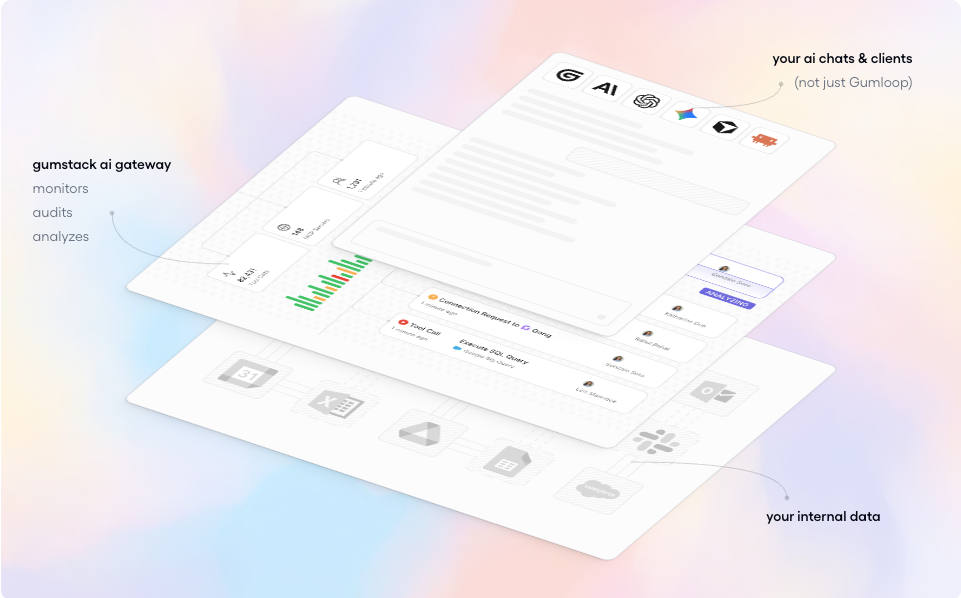
Gumloop integrates with Google Sheets, Slack, Salesforce, and 125+ other apps. It also supports MCP (Model Context Protocol), the emerging open standard for connecting AI systems to external tools — which means its integration surface is only going to grow. If you're already living inside a stack of tools and just want AI to help route data between them intelligently, that's a legitimate use case here.
Where It Gets Harder to Use
When your work doesn't fit neatly into nodes
Here's something I noticed pretty quickly: Gumloop rewards process thinkers, not explorers. If your work is more like "I start with a rough idea and figure it out as I go," the node-based model starts to feel limiting. Every step needs to be explicit. Every branch, every condition. There's no fuzzy middle ground where the AI is just... figures out context on its own.
My initial positive impressions faded when I attempted to build actual workflows in Gumloop. I found myself genuinely confused about how the platform works. That's because Gumloop operates on a completely different paradigm. Most automation platforms follow the simple Zapier model: something happens in one app, and that triggers something else in another app.
That paradigm shift is real. And it's not a small adjustment.
The learning curve for non-technical solo operators
Let's be honest about this. Several users mention that it took them 50–100 hours to feel comfortable with the platform. One reviewer put it plainly: "As a non-engineer, it took me weeks to get to an intermediate level."
If you're a solo operator who already juggles content, client work, admin, and your own learning curve — that's a non-trivial investment. This isn't the tool you spin up in an afternoon.
Context continuity: what it handles and what it doesn't
You also need to constantly tune the prompts and the workflows to avoid inconsistent outputs. This is something that doesn't show up in demo videos. Real-world AI workflows drift. The LLM gives slightly different outputs depending on the input, and your downstream nodes may not handle that gracefully unless you've built in a lot of explicit error handling.
For ops teams with a dedicated person to maintain and iterate on flows? Manageable. For one person wearing every hat? That maintenance overhead adds up.
Pricing: What You Actually Pay
Free tier limits
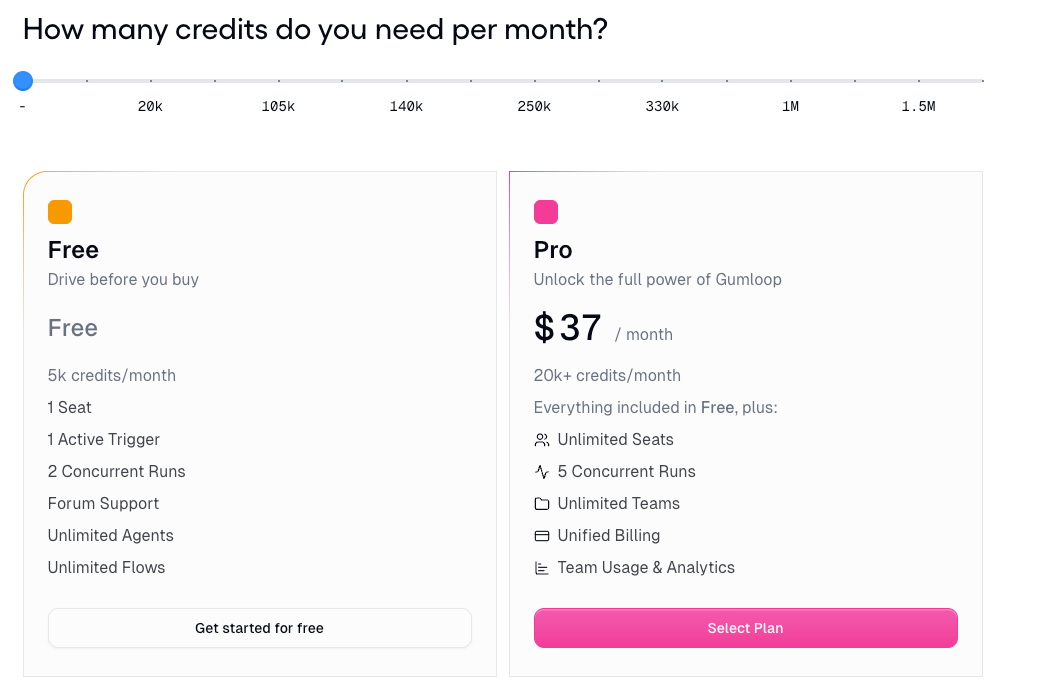
The free plan includes 2,000 credits, 2 concurrent flow runs, and access to forum support. It's enough to test the platform, but not for ongoing automation. Worth using to get a feel for the interface, but you'll hit the ceiling fast if you're testing anything real.
Where costs scale up
The Solo plan starts at $37/month, which comes with 10,000 credits, 1 user seat, API key access, and event triggers. The Team plan starts at $244/month, offering 60,000 credits, up to 10 seats, and Slack support.
The credit system is where pricing gets tricky. Standard AI calls cost around 2 credits; advanced model calls (GPT-4.1, Claude Sonnet) run ~20 credits each. Enrichment nodes are the real cost multiplier — a workflow that enriches 100 contacts costs 6,001 credits. It's fair pricing in principle, but hard to forecast until you've run production workflows for a month or two.
Overage charges apply at $0.005 per credit, with no automatic shutoff — so a Solo plan user exceeding their allocation by 15,000 credits would pay $75 in overages. Check the official Gumloop pricing page before committing, since tiers and credit structures have shifted as the product matures.
Who It's Best For — And Who Might Want Something Different
Best fit: ops-heavy teams, process-driven workflows
If you're on a small team (3–10 people) with a dedicated ops or growth person, and you have clearly defined, repeatable workflows that currently require a lot of manual steps — Gumloop is genuinely strong here. It works best for operations, marketing, or data teams tired of repetitive, logic-heavy tasks but not ready to invest in custom code.
Companies like Gusto and Shopify reportedly use it at scale, which suggests the infrastructure is solid for teams that need reliability.
Less ideal fit: one-person businesses doing mixed, judgment-heavy work
This is where I land personally. If your days look like: write something, research something, make a judgment call, communicate with someone, repeat — the node-based model is not designed for that kind of work. You'd spend more time mapping your process into flows than just doing the work.
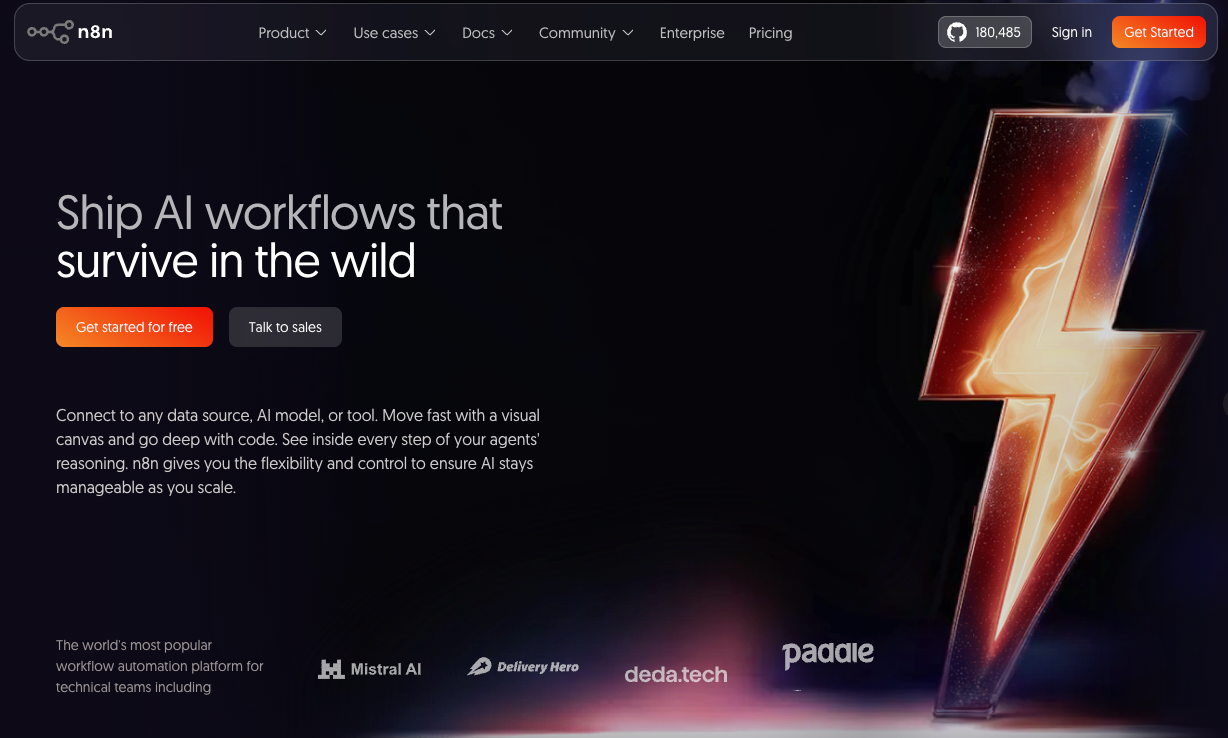
It also assumes a certain type of automation need: high-volume, low-variation tasks. If what you actually need is a thinking partner or a tool that can handle ambiguity — that's a different product category. Tools like n8n (open-source, self-hosted) might suit technical solo builders better on cost; simpler tools might suit lighter needs.
Final Take
Gumloop is a genuinely capable platform — not overhyped, but not for everyone. The $50M raise isn't hype; the underlying architecture is solid and the use cases for ops-heavy teams are real.
But the gumloop review question I'd actually ask before signing up: Can I draw my workflow as a clear diagram right now, with specific inputs and outputs at each step? If yes — go explore it. If the honest answer is "not really," the learning curve may not be worth it at this stage.
It's a tool for people who already know how their processes work and want to automate them. Not a tool for figuring out your processes while you go.
FAQ
Q: Is Gumloop good for beginners with no coding background? A: It's no-code, but that doesn't mean no learning curve. Most non-technical users report weeks of adjustment. The templates help, but complex flows still require systems thinking.
Q: How does Gumloop compare to Zapier? A: Zapier is trigger-action based and easier to start with. Gumloop is AI-native and handles more complex, multi-step logic — but is heavier to set up. It's like if Zapier and ChatGPT had a baby.
Q: Can one person realistically run Gumloop solo? A: Yes, but the Solo plan's 10,000 credits can run out quickly with AI-heavy workflows. Budget time for setup and ongoing maintenance.
Q: Is Gumloop secure? A: Gumloop is compliant with SOC 2 Type II and GDPR, and never uses customer data to train AI models.
Q: Does Gumloop have a free trial? A: There's a permanent free tier with 2,000 credits — no time limit, but limited enough that you'll need to upgrade for real use.
Anyway, that's what I found after spending real time with it. It's not the answer to everything, but for the right kind of team, it might actually be the answer to quite a lot. Worth a test run if the use case fits.
Previous Posts:
Compare how Lindy and Gumloop differ when building agent-style workflows.
Explore real-world AI agent use cases across research, content, and operations.
See how one-person businesses are starting to operate like a full team using AI roles.
Learn how AI automation work is actually priced in the real market.
Understand the difference between AI agents and assistants in real workflows.
Get automation tips for your workflow
Weekly insights for non-technical professionals. No spam ever.