
What Are AI Workspace Agents? A Plain-Language Guide
AI workspace agents are a new category of AI that works inside your real workspace — files, browser, tools. Here's what they are and who they're for.
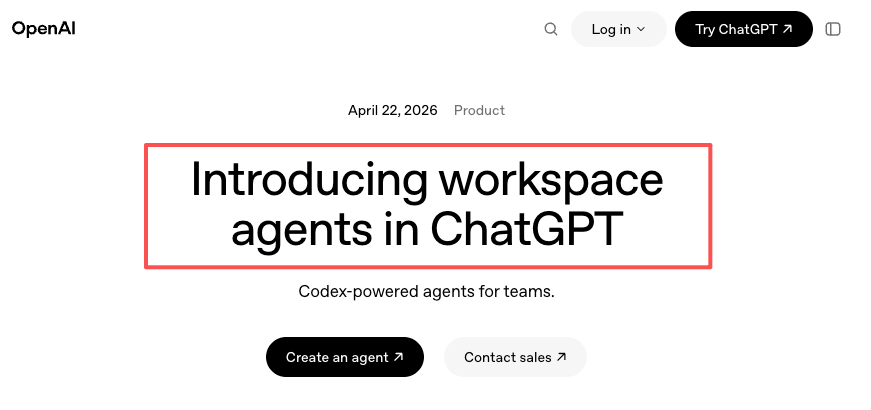
Someone asked me last week what I meant by "workspace agent." I'd been using the phrase casually for months without actually defining it, which is funny because the tools in this category have been quietly multiplying — and as of late April 2026, OpenAI's calling its new ChatGPT feature by almost exactly that name. The term is getting crowded fast.
So I figured it was time to write down what I actually mean when I say it. Not a definitive dictionary entry — just a plain-language map of the category as I see it right now, two months of hands-on use in.
What AI workspace agents are
The plain-language definition
An AI workspace agent is software that acts like a coworker who lives inside your actual work environment — your files, your apps, your browser — and carries context across sessions instead of starting fresh every time you open it.
The two words matter:
Workspace means it operates where your work already lives. Local files, open browser tabs, the spreadsheet you're halfway through. Not a separate chat tab you copy-paste into.
Agent means it takes multi-step actions on your behalf. Not just "answer my question," but "read these three files, draft the summary, put it in the doc I'm working on."
Put together: an environment where AI doesn't wait passively for a prompt, but operates inside the mess of your day with some persistence and initiative.
That's the shape of it. The specifics — how autonomous, how much memory, how it handles permissions — vary wildly between products. This category is still forming.
Why a new category is emerging now
A year ago, most ai workspace tools were really just chat interfaces with a "connect your Google Drive" checkbox. Useful, but the agent never knew what you were doing unless you told it, and forgot everything the moment the tab closed.
Three shifts changed that:
Computer Use / desktop control got reliable enough to ship. An agent can now see your screen, click buttons, read files, and operate inside apps that don't have APIs.
Persistent memory across sessions went from research demo to product feature. The agent remembers the project, the preferences, the last decision.
Multi-step task execution (reading, reasoning, acting, checking) finally works without constant hand-holding on narrow domains.
Put those three together and you get something that feels less like "an AI chat window" and more like "a work environment where AI is a native resident." That's the category the word agent-native workspace is trying to describe.
How workspace agents differ from other AI tools
This is where I see the most confusion, so let me separate three things that often get lumped together.
vs chat assistants like ChatGPT
Chat assistants are conversation-shaped. You bring a question, they bring an answer. The context is whatever you paste into the box. When the tab closes, the relationship ends.
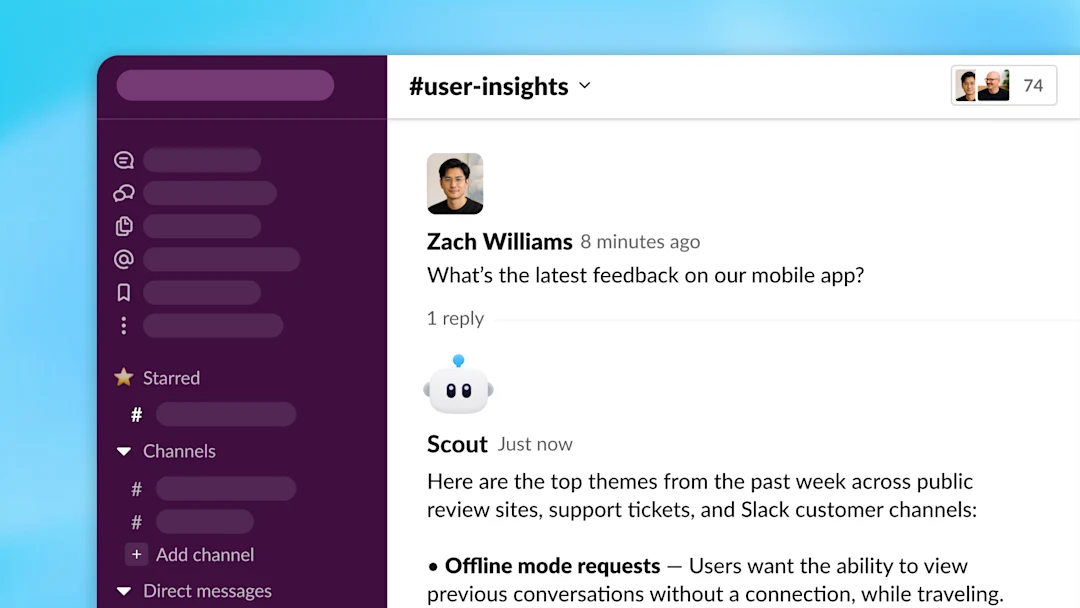
Workspace agents are environment-shaped. They operate on your files directly, remember what happened last Tuesday, and carry intent across steps. You're not sending it a prompt — you're letting it work alongside you.
The line is blurring — ChatGPT has Connectors, Claude has Cowork, Gemini has Workspace integration. So chat products are growing toward the workspace shape from one direction, while desktop ai agents grow toward it from the other. Right now they meet somewhere in the middle, which is exactly why the category is confusing to describe.
vs workflow builders like Gumloop or Zapier
This is the distinction most people get wrong, I think.
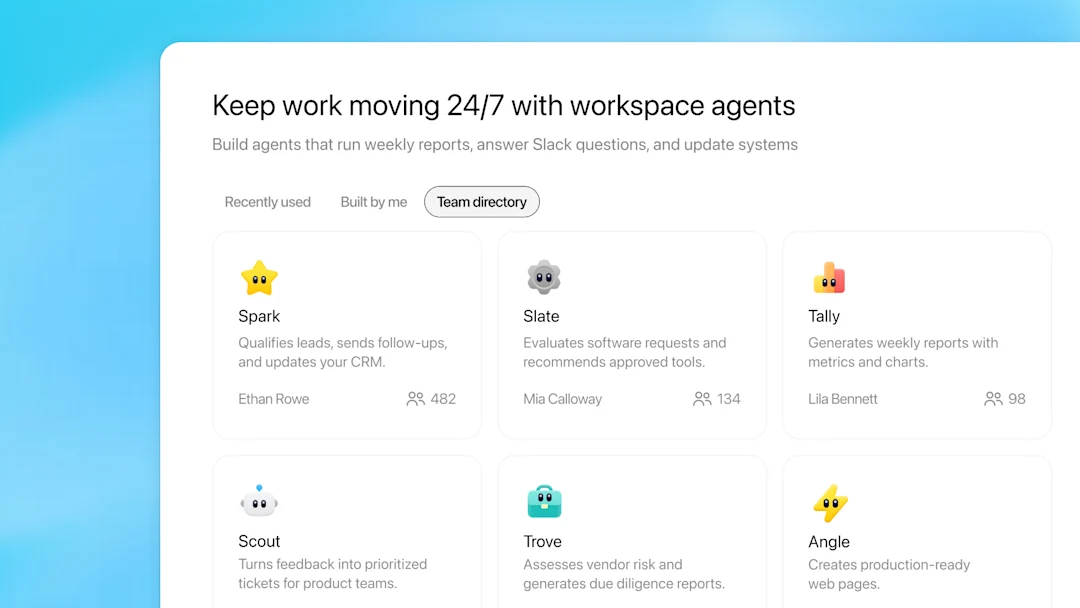
Workflow builders let you pre-define automations: when X happens, do Y, then Z. You draw the flowchart, you set the triggers, the system executes reliably. Zapier is the grandfather of this shape; Gumloop is the AI-native successor. Both are incredibly powerful for repeated, predictable tasks.
Workspace agents work in the opposite direction. You don't pre-define the steps. You describe the outcome, and the agent figures out the sequence — deciding which file to open, which tool to call, when to stop and ask. It's less reliable on known-shape tasks (a Zap will always do the exact same thing), but much better on tasks where the shape itself changes.
Here's the way I hold it in my head: workflow builders are for the work you already understand. Workspace agents are for the work that's still partly undefined.
If your afternoon looks the same every Tuesday, build a Zap. If your afternoon is different every Tuesday but you keep doing similar kinds of things, an agent has a chance of being useful.
vs self-hosted AI agents
This one's mostly for developers, so I'll be brief. Self-hosted agents — the kind engineers spin up with frameworks like LangChain, or multi-agent developer tools like Claude Code, Codex, or standalone workspaces like Nimbalyst — give you full control over prompts, memory, tool access, and execution. You own the whole stack.
Workspace agents, as a consumer/prosumer category, trade that control for setup-free use. You don't configure; you just open the app and start working. The tradeoff is real: you're renting the orchestration layer, not owning it.
Different tools, different stages. Developers building something custom for their team will pick self-hosted every time. Solo operators and non-technical creators usually won't.
What workspace agents actually do in practice
Features lists get boring fast, so let me describe this by shape rather than by checkbox.
Working inside real files, browsers, and apps

The core unlock is that the agent can see what you see. Skywork Desktop's launch post puts it well — the point is "local file understanding without uploads, allowing agents to work from user-selected folders as a persistent context rather than relying on one-off attachments."
Genspark framed the same idea a different way when they released their desktop client: AI that "sees and operates your files, your applications, and your screen — not just what's inside a browser tab." Different products, same core shift.
In practice that means: the agent opens the PDF itself, scrolls the webpage itself, edits the doc itself. You're not the middleware anymore.
Carrying context across sessions
I didn't realize how much context I was rebuilding every morning until I stopped having to. With a workspace agent, "that client project we discussed Tuesday" is a thing the agent actually remembers — including which files we looked at, what I decided, what the next step was.
This sounds small. It's not. Context-switching overhead is where a huge chunk of solo work actually gets spent, and it doesn't show up on any productivity dashboard.
Turning repeated work into reusable skills
The more useful workspace agents let you capture a sequence of actions as something you can reuse. Some call these skills, some call them combos, some call them workflows. The naming isn't settled. The shape is: you did something once, and now the agent can do something similar next time without you re-explaining it.
This is where workspace agents start resembling workflow builders — just shaped by demonstration instead of by diagram.
Who workspace agents are built for
Solo operators doing multi-role work
If you're one person doing strategy, execution, content, admin, and customer support in the same afternoon, workspace agents are squarely aimed at you. The value isn't that any one step is faster — it's that the agent holds the threads between steps so you don't have to.
Independent consultants and creator-operators
Anyone running multiple parallel projects (clients, content streams, products) hits the same wall: every tool fragment adds context-switching tax. A workspace with persistent memory across projects genuinely helps.
Who probably doesn't need one
I want to be clear about this because the category gets oversold.
You probably don't need a workspace agent if:
Your work is one narrow kind of task (pure coding, pure writing, pure design). A specialized tool will beat a general workspace every time.
Your workflows are already stable and repeated. A Zap or a Gumloop flow does this more reliably and cheaper.
You're part of a larger team with established tooling. Most workspace agents are currently optimized for individual or very small team use.
You're exploring AI for the first time. Start with a chat assistant. The workspace-shaped tools assume you already know what you want AI to help with.
Not everyone benefits equally. If none of the above applies to you, great. If some does — it's worth being honest about it.
What workspace agents don't solve
Current limitations and trade-offs
A short, honest list of where this category isn't there yet:
Reliability on long tasks. Agents still drift on multi-step work. I've had reasonable success on 3–5 step jobs; past that, I'm babysitting.
Permissions and security are immature. An agent with file and browser access is powerful and also genuinely risky. The controls exist but aren't battle-tested.
Pricing is opaque. Credit systems, token billing, per-agent pricing — none of it's simple yet.
Interoperability is poor. Skills or workflows built in one tool don't transfer. You're locked into whichever ecosystem you pick.
None of these are dealbreakers for me personally. They are things I'd want any honest guide to tell you upfront.
How to think about adopting one
Three questions before you try one
Before signing up for anything in this category, I'd answer these:
What specific workflow am I trying to improve? If the answer is vague, you're not ready. Use a chat assistant until the answer gets specific.
Is my work more repeated or more one-off? Heavily repeated work → workflow builder. Varied, context-heavy work → workspace agent.
Am I willing to give a tool real access to my files and apps? This isn't a small question. Workspace agents earn their value by having visibility; if that makes you uncomfortable, the category isn't for you yet.
If you got clear answers on all three — it's probably worth thirty minutes of poking around.
That's where I am with the category today. It's still early, the edges are fuzzy, the naming is contested. But there's something real here, and it's worth understanding on your own terms before the marketing catches up.
Previous Posts:
Get automation tips for your workflow
Weekly insights for non-technical professionals. No spam ever.