
AI Doesn't Know How You Work — That's the Real Problem
Solo founders juggle too many roles for generic AI to keep up. Here's what an AI that actually fits your work looks like — and what it needs to do differently.
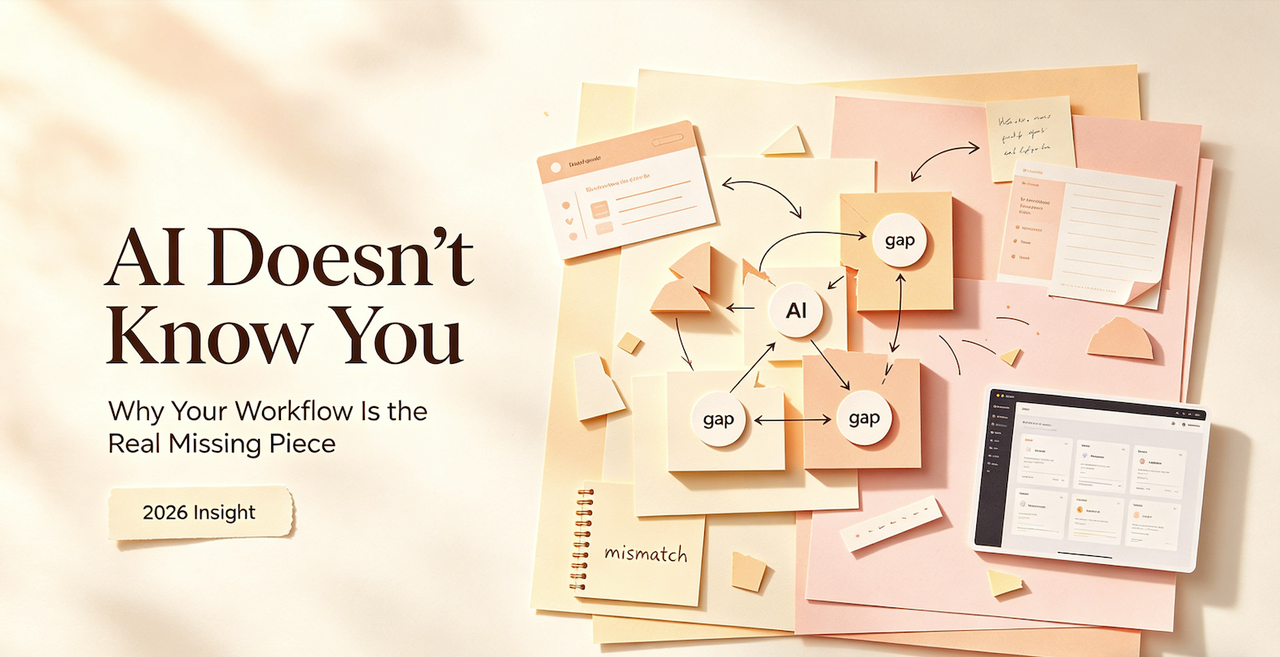
Hey, Nova is coming. I've been trying to put my finger on this for a while.
I use AI every day. Have for a couple of years now. And for a long time I assumed the frustration I kept running into was about the tools themselves — maybe the output quality wasn't there yet, maybe I just hadn't found the right prompt, maybe I needed to switch models.
Then a few months ago I caught myself typing the same context into ChatGPT for the fourth time in a week. Same background, same project setup, same "here's how I usually like this structure." Just... again. And I stopped.
Why am I still doing this?
That's when I realized: the problem was never the AI's intelligence. The problem is that the AI has no model for me.
Why Generic AI Tools Keep Falling Short for One-Person Businesses
Let me be specific about what I mean, because "AI doesn't know you" sounds vague.
When I sit down to write a client brief, I have a way of doing it. A structure I've landed on after a hundred iterations. Specific things I always check, a tone I've calibrated to a particular type of reader, decisions I've already made about what matters. None of that lives in any AI tool I've ever used. I have to reconstruct it — through prompts, through pasted context, through careful setup — every single session.
This is what I'd call the start-from-scratch problem. And for solo founders running one-person operations, it quietly drains an enormous amount of time.
According to Tribe AI's 2025 analysis of context-aware memory systems, the experience of working with stateless AI resembles visiting a website that logs you out after every page navigation — continuous context refreshing that wastes time and resources, forcing users to manually track updates, store history, and craft careful prompts just to maintain continuity. That's the infrastructure tax you pay just to use AI effectively. And when you're the only person in your business, that tax compounds fast.
When AI Helps With Tasks But Not With How You Work
Here's the thing I keep noticing: AI tools are genuinely good at tasks. Ask it to write a paragraph, summarize a doc, draft an email — it does that fine. Sometimes great.
But there's a gap between "handling a task" and "fitting into how I actually work." My workflow isn't a list of tasks. It's a series of decisions made in a particular order, with particular trade-offs, informed by context that lives in my head and in accumulated experience. When AI handles isolated tasks without that context, the output is generic. Usable, maybe. But not shaped by how I think.
Research published by MIT Sloan Management Review on how to reap compound benefits from generative AI points to this directly: most experts can't fully articulate what makes their judgment good. That unspoken knowledge — what researchers call "tacit knowledge" — is exactly what makes experienced work distinctive. An AI that can only execute what you explicitly describe misses everything you do intuitively.
I've been thinking about this for months. I don't think the solution is better prompting. I think the solution is AI that learns the stuff you never thought to explain.
What It Means for AI to Fit Your Workflow
There are two things I'm looking for when I evaluate whether an AI setup is actually working for me. Not "is the output good?" — that's table stakes. I mean: does this thing fit the way I operate?
Context Continuity — Knowing What You're Working On Without Being Told
The best analogy I have is a good assistant. Not one who's brilliant and efficient but forgets every conversation. One who, by the third week, already knows which projects you care about, what tone you use with which clients, what "done" looks like for you.
That's context continuity. And most AI tools don't have it across sessions.
For a solo founder doing high-volume cognitive work, this isn't just annoying. It's a real cost. Every session where I have to re-establish who I am and what I'm working on is a session where the AI is working below its potential. It has the capability; it just has no memory of the context needed to use it well.
Execution Memory — Remembering Your Standards, Not Just Your History
This one's subtler. It's not just "remember what we talked about." It's "remember how I do things."
When I write content, I have standards. Structural preferences. Things I always do and things I never do. These aren't arbitrary — they came from a lot of iteration and I'm pretty attached to them. But every new AI session, I'm either writing them out in a prompt, hoping the model guesses close enough, or spending time editing outputs back toward what I wanted.
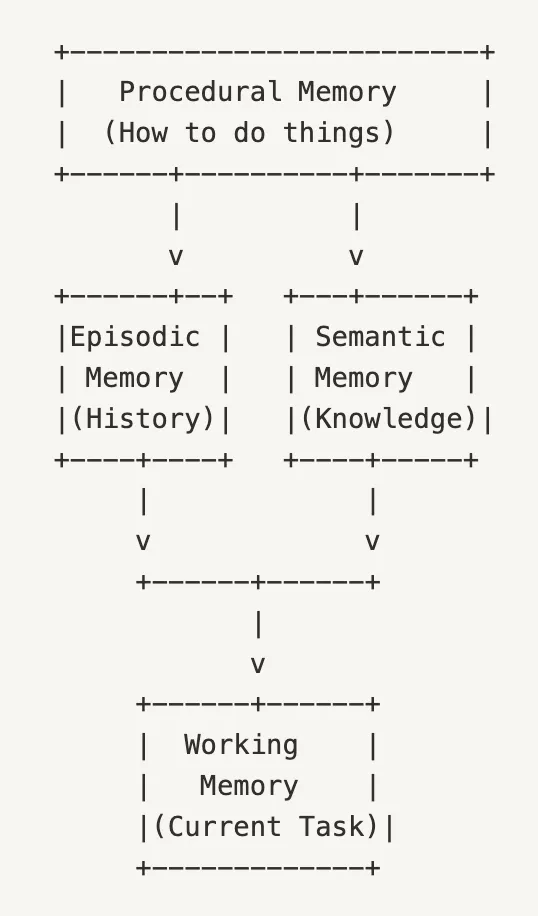
Execution memory would mean the AI has internalized my way of working. Not learned it from a training dataset of generic writers, but from watching me specifically — the decisions I made, the edits I applied, the iterations I approved. AWS's engineering blog on building context-aware agents with persistent memory describes this distinction clearly: short-term memory captures what's happening in a session, while long-term intelligent memory stores persistent insights and preferences across sessions — so AI agents can retain context, learn from interactions, and deliver truly personalized experiences over time. That gap between the two is where most consumer AI tools currently sit.

What Solo Founders Actually Need From an AI Setup
Here's a real trade-off worth sitting with: depth vs. flexibility.
Most AI tools optimize for flexibility. They're built to work for everyone, which means they're not built to work especially well for anyone in particular. You get broad capability and shallow personalization. That works fine for occasional use. It starts to fall apart when AI is central to how you get work done every day.
What I actually need isn't more capability. It's capability that's calibrated to how I work. And there's a genuine cost to building that calibration yourself — through custom prompts, context documents, workarounds. It takes time to set up, more time to maintain, and usually lives outside the AI tool itself.
Files, Browser, Decisions — Why Scattered Context Kills Output
One specific thing that drives me crazy: I often work across multiple things at once. A document I'm editing, a webpage I'm referencing, a Slack thread I'm responding to, a file I'm pulling data from. The AI I'm using has access to none of that unless I manually bring it in.
The result: my AI assistance ends up being disconnected from my actual work. I'm running parallel tracks — here's the work, here's the AI — and bridging them manually. As Taskade's research on one-person companies found, a solo founder juggling multiple disconnected AI tools hits a wall fast: the research tool doesn't talk to the writing tool, the automation doesn't know what the agent learned yesterday, context gets lost between every handoff. That fragmentation is where efficiency gains disappear. Not because AI is bad — because the context never gets to where the AI is.
Reusable Execution vs. One-Off Prompts
The other thing I want is repeatability. Not copying prompts. I mean: I've built a workflow that works. I want to run it again tomorrow with new inputs and get consistent output, without rebuilding it from scratch.
One-off prompts are fine for exploring. But the work that drives my business — the stuff I do every week — that needs to be repeatable and reliable. An AI setup that only gives me one-off help is leaving most of its value on the table.
How to Evaluate Whether an AI Tool Fits Your Way of Working
Before committing to anything new, I ask myself three questions. They've saved me from adopting tools that were technically impressive but wrong for how I actually operate.
First: does it need context that I'll have to supply every session? If the answer is yes — and for most tools it is — I want to understand the overhead. How much of my time goes toward feeding it context versus doing actual work?
Second: does it learn from what I do, or only from what I say? There's a big difference. Stanford Graduate School of Business research on AI and tacit knowledge found that the most valuable gains come when AI can pick up on the patterns workers demonstrate through behavior — not just through explicit instructions. The judgment you've built up through experience is exactly what generic AI tools miss, because it was never written down.
Third: can I build workflows I can reuse? If every use is a one-off, the efficiency ceiling is low. I want to invest in setting something up well and have that investment compound over time.
The Difference Between an AI Assistant and an AI Workspace
I've started thinking about this as the difference between a tool and a workspace.
An AI assistant does tasks. You bring it a problem, it produces output, session ends. Useful. But every session is essentially zero-sum — you put effort in, you get output out, nothing carries forward.
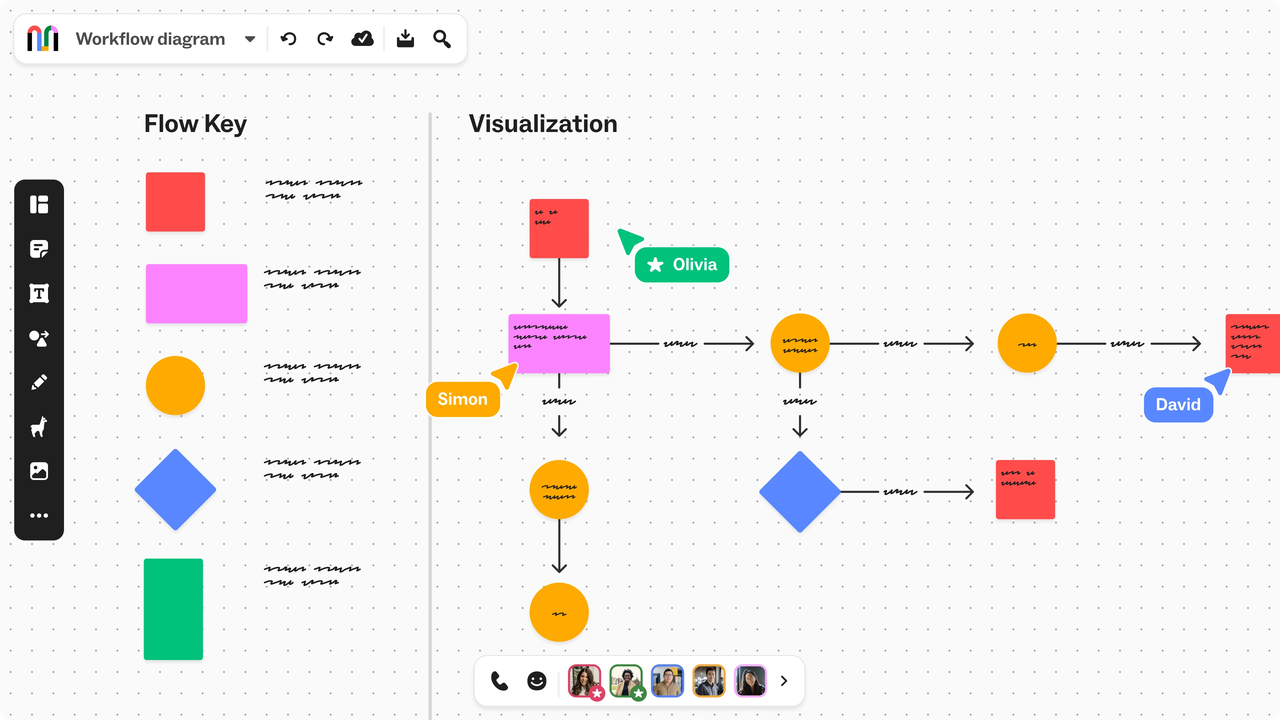
An AI workspace is something different. It's an environment where your work and the AI exist together — where context accumulates, workflows persist, and the AI's help gets more accurate over time because it's seeing how you actually operate. The files you're working with, the decisions you're making, the edits you're applying — all of that becomes signal.
The workspace framing changes what you're optimizing for. Not "is this output good enough?" but "is this environment learning to work the way I work?"
This is where tools like Floatboat AI sit in my thinking — they're oriented toward the workspace model rather than the assistant model, with the idea that the AI adapts to your specific work patterns over time rather than starting fresh each session. I haven't used it long enough to say definitively whether it delivers on that, but the framing at least matches the problem I've been trying to solve.

Practical Next Step: Map Your Most Repeated Work First
If you're trying to figure out whether your current AI setup is actually working — don't start with the interesting edge cases. Start with boring repeatable stuff.
What are the things you do every week, reliably, that follow a similar structure each time? Client reports, content drafts, research summaries, outreach sequences — whatever it is for you. Those are the workflows worth investing in.
The reason: repeatability is where the leverage compounds. A one-time task that AI helps with faster — nice, but limited. A workflow you run fifty times that AI executes well each time — that's where the real efficiency difference shows up.
Map two or three of your most repeated tasks. For each one, write down: what inputs go in, what output you want, and what judgment calls you consistently make along the way. That last part — the judgment calls — is where you'll find the tacit knowledge that generic AI tools miss.
According to MIT Sloan and BCG's joint research on AI and organizational learning, organizations that build systematic feedback loops between humans and AI are significantly better positioned to compound value over time — and the same principle applies at the one-person level. The gains don't come from a single good session. They come from a setup that gets better the more you use it.
FAQ
Why does AI keep giving me generic outputs even with detailed prompts?
Detailed prompts help, but they only capture what you can articulate explicitly. The judgment you've developed through experience — how you weigh trade-offs, what "good" looks like to you specifically — that's harder to transfer through instruction. The gap usually closes when the AI has been exposed to enough of your actual work over time, not just your descriptions of it.
Is it worth building custom prompts and context documents for AI tools?
Yes, with a caveat: the time investment is real and ongoing. Custom prompts and context documents work well for workflows you run frequently. For one-off tasks, the setup cost usually isn't worth it. I'd prioritize your two or three most repeated workflows first.
How do I know if an AI tool is actually learning my workflow vs. just storing notes?
The clearest signal: does the output quality improve over time without you writing longer prompts? If you find yourself having to re-explain the same preferences repeatedly, the tool is storing information but not really learning from it. Learning means the AI starts to anticipate what you'd want — not just remember what you told it.
What's the main trade-off with AI workspaces vs. standalone AI assistants?
Setup time and portability. An AI workspace that learns your patterns requires investment upfront — and that investment is somewhat locked to the specific tool. If you switch tools, you start over. Standalone assistants are more portable but never accumulate context. The right call depends on how central AI is to your day-to-day work.
I've tried ChatGPT's memory feature. Isn't that the same thing?
Partially. ChatGPT's memory stores facts you tell it across sessions, which helps. But it's platform-specific and doesn't transfer to other tools — and more importantly, it only learns what you explicitly tell it. What I'm describing is a system that learns from observing how you work, not just from what you say about how you work. That's a meaningfully different bar.
That's where I am with this right now. I'm still figuring out the right setup for my own workflow — I don't think there's a single right answer for everyone. But the framing shift helped me: stop asking "is this AI good?" and start asking "does this AI know how I work?"
Those are very different questions. And for people running things solo, the second one is the one that actually matters.
Previous Posts:
If you’re still figuring out what a real AI workflow looks like, start here
This breaks down why AI tools keep forgetting everything between sessions
Want to understand the bigger shift from assistants to agents?
Read this Not sure whether you need an AI agent or just a better assistant? This clarifies it
If you're deciding between building workflows or using a workspace, this will help
Get automation tips for your workflow
Weekly insights for non-technical professionals. No spam ever.